
Gemma 4 Complete Guide: The Most Powerful Open Source Model of 2026
TL;DR: Gemma 4 is Google DeepMind's open-source model family released on April 2, 2026, under the Apache 2.0 license. It launched in four sizes: E2B, E4B, 26B MoE, and 31B Dense (12B Unified was added in June 2026). The flagship 31B scores 89.2% on AIME 2026 and 85.2% on MMLU Pro — a 4.3x jump in math reasoning over Gemma 3. All models support text and image input, with video support across the family and native audio on edge variants. Up to 256K context window, deployable from smartphones to workstations.
In April 2026, the open-source AI landscape got a serious contender. Google DeepMind dropped four Gemma 4 models simultaneously, all under the Apache 2.0 license — meaning you can use them for anything without worrying about licensing restrictions.
The first time I saw the benchmark numbers, I honestly did a double-take. AIME math reasoning jumping from 20.8% with Gemma 3 to 89.2%? That's not incremental improvement — that's a generational leap.
Looking to adopt open-source AI models? Book a free AI consultation and let our team help you plan the optimal approach.
This guide covers everything you need to know about Gemma 4: model specs, technical architecture, local deployment, fine-tuning, API integration, and enterprise adoption strategy. Whether you're a developer wanting to run models on your laptop or a tech lead evaluating open-source AI solutions, this article has you covered.
What Is Gemma 4? Google's Latest Open-Source Model Family
Gemma 4 is the most powerful open-source model Google has ever released — and the first Gemma version under a truly open-source license. Launched on April 2, 2026, all four models use the Apache 2.0 license, meaning personal use, commercial deployment, modification, and redistribution are all unrestricted.
Why does the license matter so much? Previous Gemma 3 models shipped under Google's custom "Gemma Terms of Use," which created gray areas around commercial applications. With Apache 2.0, corporate legal teams can finally sign off without reservations.
Gemma 4 shares underlying research with Gemini 3. Think of Gemini as Google's full-featured proprietary version, while Gemma is the open-weight edition distilled for local deployment and fine-tuning. Google extracted the most deployment-friendly architectures from their Gemini research and packaged them into four model sizes.
Each model targets a different use case: E2B runs on phones and IoT devices, E4B handles laptops and Android phones, 26B MoE delivers the best performance-per-dollar, and 31B Dense is the full-power flagship. Since the first generation launched, the Gemma series has been downloaded over 400 million times, spawning more than 100,000 community variants.
For a deep dive into the technical architecture, see Gemma 4 Architecture Deep Dive.
Gemma 4 Model Specifications: All Four Variants Compared
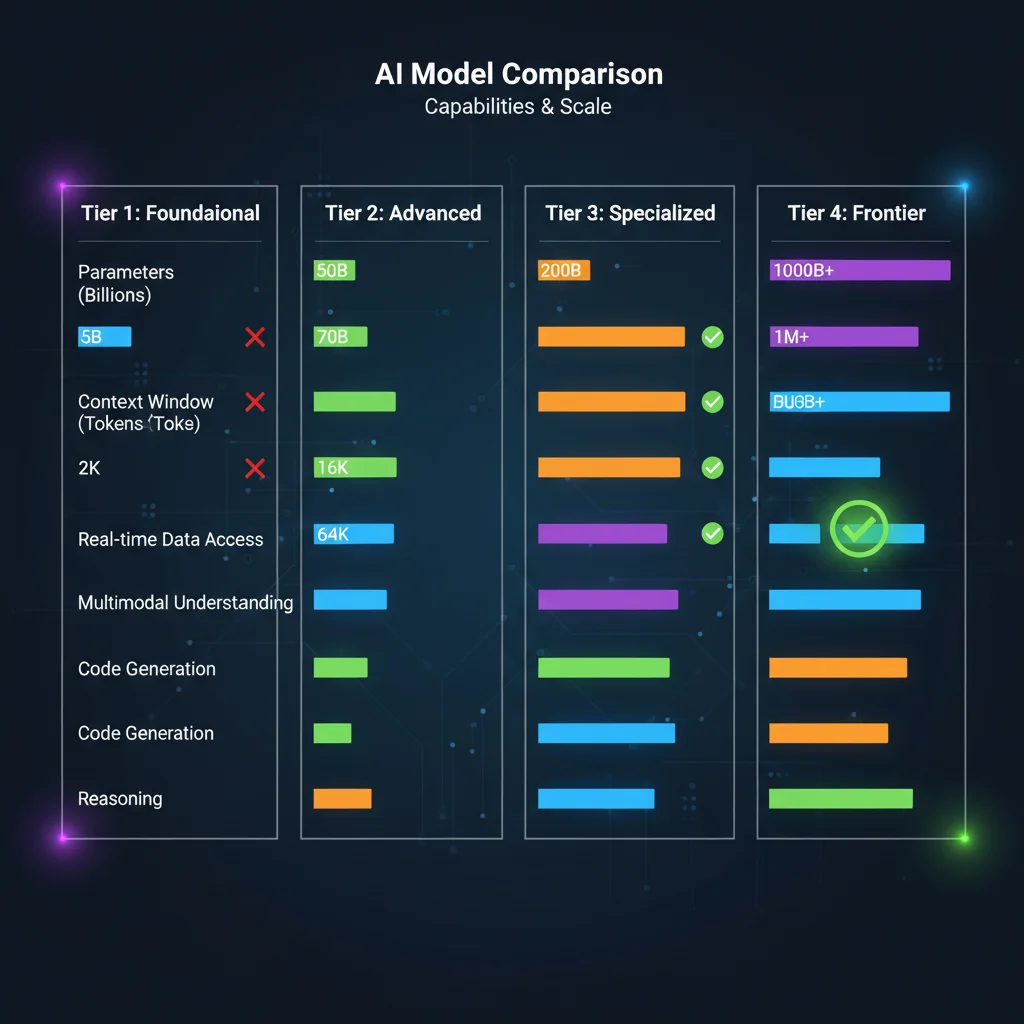
Before choosing a model, the right question isn't "which one is most powerful?" but "which one fits my use case?" Gemma 4's four models span the full spectrum from edge devices to high-end workstations. Here's the complete spec comparison.
| Spec | E2B | E4B | 26B A4B (MoE) | 31B Dense |
|---|---|---|---|---|
| Total Parameters | 5.1B (with embeddings) | 8B (with embeddings) | 25.2B | 30.7B |
| Active Parameters | 2.3B | 4.5B | 3.8B | 30.7B |
| Architecture | Dense | Dense | MoE | Dense |
| Context Window | 128K | 128K | 256K | 256K |
| Multimodal Support | Text, Image, Video, Audio | Text, Image, Video, Audio | Text, Image, Video | Text, Image, Video |
| Audio Support | Native | Native | No | No |
| MMLU Pro | 60.0% | 69.4% | 82.6% | 85.2% |
| AIME 2026 | 37.5% | 42.5% | 88.3% | 89.2% |
| Min VRAM (Q4) | ~3.1 GB | ~5 GB | ~17 GB | ~18 GB |
| Target Use Case | Mobile, IoT | Laptop, Android | Consumer GPU | High-end Workstation |
One stat that blew me away: the 26B MoE uses only 3.8B active parameters per inference yet achieves roughly 97% of the 31B Dense's performance. That's the magic of Mixture-of-Experts — only the most relevant expert networks activate for each token, saving massive compute resources.
Notice the audio support row — of the four models in the table, only E2B and E4B have native audio input (the later 12B Unified also supports audio). Google designed the audio encoder as an edge-first feature, since smartphones are where voice interaction matters most.
Want to know which model your hardware can run? Check out Gemma 4 Hardware Requirements Guide.
Gemma 4's Technical Breakthroughs: Why It's So Much Better Than Gemma 3
AIME math reasoning soared from 20.8% to 89.2%. LiveCodeBench coding jumped from 29.1% to 80.0%. The magnitude of Gemma 4's improvement is unprecedented in open-source model history.
Three core technical innovations drive this leap:
Mixture-of-Experts (MoE) Architecture
Gemma 3 used Dense architecture across the board, running all parameters for every inference. Gemma 4's 26B variant adopts MoE, activating only 3.8B out of 25.2B total parameters per token. Imagine a hospital with 50 specialists — each patient only gets referred to the 2-3 most relevant doctors. High efficiency, lower cost, no compromise on diagnostic quality.
Dual RoPE Positional Encoding
Traditional Rotary Position Encoding (RoPE) causes attention to decay for distant tokens in long contexts. Gemma 4 uses Dual RoPE, combining local sliding window attention (512/1024 tokens) with full global attention. This lets the model accurately locate critical information across the full 256K context window. The 31B model's multi-needle retrieval accuracy jumped from 13.5% (Gemma 3) to 66.4%.
Shared KV Cache
Multiple attention layers share Key-Value Caches, dramatically reducing memory consumption during long-context inference. This allows the 26B MoE to handle the full 256K context on a consumer 24GB GPU, without needing expensive server-grade hardware.
These improvements aren't isolated. MoE reduces compute cost, Dual RoPE solves long-context quality issues, and Shared KV Cache compresses memory requirements — all three stack together to achieve "more with less."
For full architectural details, see Gemma 4 Architecture Deep Dive.
Gemma 4 vs Llama 4 vs Qwen 3.5: Which Open-Source Model Should You Choose?
The 2026 open-source model landscape has three heavyweights — Gemma 4, Llama 4, and Qwen 3.5, each with distinct strengths. The key to making the right choice isn't chasing the highest benchmark scores, but matching to your deployment environment and business needs.
| Comparison | Gemma 4 | Llama 4 | Qwen 3.5 |
|---|---|---|---|
| Developer | Google DeepMind | Meta | Alibaba |
| License | Apache 2.0 | Llama Community License | Apache 2.0 |
| Model Range | 2.3B – 31B | 109B – 400B (Scout/Maverick) | 0.8B – 397B |
| Max Context | 256K | 10M (Scout) | 262K (native) |
| MMLU Pro (Best) | 85.2% (31B) | 80.5% (Maverick) | 87.8% (397B-A17B) |
| AIME 2026 (Best) | 89.2% (31B) | Not published | 91.3% (397B-A17B) |
| Multimodal | Text/Image/Video/Audio | Text/Image | Text/Image/Video |
| Commercial Restrictions | None | License needed for >700M MAU | None |
| Edge Support | E2B/E4B | None | 0.8B/2B |
Several key differences are worth highlighting:
Licensing is the biggest differentiator. Llama 4's Community License restricts apps with over 700 million monthly active users and requires "Built with Llama" branding. For large enterprises, this creates potential legal risk. Gemma 4 and Qwen 3.5 are both Apache 2.0 — no such issues.
Gemma 4 dominates the small-to-medium tier. A 31B model outperforms Llama 4's 109B Scout on coding. But if you need maximum-scale models, Qwen 3.5's 397B flagship is in a different league entirely.
Context window trade-offs matter. Llama 4 Scout's 10M token context window is a unique advantage for processing massive document collections. Gemma 4's 256K is sufficient for most use cases, but for scenarios like indexing entire code repositories, Llama 4 has the edge.
Our team's recommendation: Need edge deployment or multimodal (including audio)? Choose Gemma 4. Need ultra-long context? Choose Llama 4. Need the largest possible open-source model? Choose Qwen 3.5.
For a more detailed analysis, see Gemma 4 vs Llama 4 vs Qwen 3.5 Full Comparison.
Not sure which open-source model to pick? Let CloudInsight help you evaluate — we offer free model selection consultations tailored to your business scenario.
How to Run Gemma 4 Locally: Three Deployment Methods

E4B runs on an 8GB RAM laptop. The 26B MoE only needs a 24GB VRAM RTX 4090. Gemma 4 makes running AI on your own machine easier than ever. Here are the three most popular local deployment methods.
Ollama: The Simplest One-Line Setup
Ollama is currently the most popular local model management tool. After installation, a single command gets Gemma 4 running:
ollama run gemma4:e4b    # E4B version, ideal for laptops
ollama run gemma4:26b    # 26B MoE, requires 24GB VRAM
ollama run gemma4:31b    # 31B Dense, requires 24GB VRAM
Ollama's strength is automatic quantization and memory management. The trade-off is limited flexibility for advanced configurations.
LM Studio: The Most User-Friendly GUI
Prefer avoiding the command line? LM Studio provides a complete graphical interface supporting model downloads, parameter tuning, and chat testing. Gemma 4 received day-one LM Studio support; llmster, the headless mode introduced in LM Studio 0.4.0 (January 2026), together with the Anthropic-compatible endpoint added in 0.4.1, integrates directly with development tools like Claude Code.
Unsloth: Best for Performance Optimization
Unsloth focuses on inference performance optimization and memory compression. Their GGUF quantized versions typically run faster and use less memory on the same hardware. If you want to squeeze maximum performance from limited hardware, Unsloth is the way to go.
Quick Hardware Reference:
- 8GB RAM Laptop: E2B, E4B (Q4 quantization)
- RTX 3090/4090 (24GB): 26B MoE full version
- RTX 4090 (24GB) + System RAM: 31B Dense (Q4 quantization)
- 40GB+ VRAM: 31B Dense with full 256K context
For complete deployment tutorials, see Gemma 4 Local Deployment Guide. For hardware purchasing advice, check Gemma 4 Hardware Requirements Guide.
Need professional AI deployment architecture? Book a free architecture consultation and let us design the most cost-effective local AI infrastructure for your needs.
Getting Started with Gemma 4 Fine-Tuning: Train the Model on Your Data
Gemma 4's general capabilities are already impressive, but fine-tuning makes it excel in your specific domain. The Apache 2.0 license means fine-tuned models are entirely yours — use them however you want.
When Should You Fine-Tune?
Not every scenario needs fine-tuning. First ask yourself: can prompt engineering solve the problem? If you just need to adjust output format or tone, tweak the prompt. Fine-tuning is ideal for:
- Domain expertise: Medical, legal, financial terminology and reasoning patterns
- Internal knowledge: Deep understanding of company products, processes, and policies
- Style consistency: Precise control over brand voice and writing style
- Performance optimization: Achieving large-model quality on specific tasks with a smaller model
LoRA vs QLoRA: Two Popular Fine-Tuning Methods
LoRA (Low-Rank Adaptation) trains only a small set of newly added low-rank matrices without modifying original weights. Benefits: fast training, minimal resources. Fine-tuning E4B requires just a single RTX 3090.
QLoRA builds on LoRA by adding quantization — first compressing the base model to 4-bit, then applying LoRA training. Memory requirements drop by another 50%, letting you fine-tune the 31B Dense on a single 24GB RTX 4090 (about 22GB; Unsloth doesn't recommend QLoRA for the 26B MoE).
The first time I fine-tuned Gemma 4 E4B with QLoRA, I was amazed at the speed — 1,000 training examples on a single RTX 4090 took under 30 minutes. The results? Accuracy on our customer support classification task jumped from 78% (general model) to 94%.
For complete fine-tuning tutorials, data preparation guides, and hyperparameter settings, see Gemma 4 Fine-Tuning Complete Guide.
Gemma 4 API Integration: The Fastest Way to Get Started
Don't want to manage your own hardware? Using Gemma 4 via API is the fastest onramp. Google provides two main entry points: Google AI Studio and Vertex AI, each with different positioning.
Google AI Studio: Free to Start
Google AI Studio offers free API keys supporting Gemma 4's 31B and 26B MoE variants. Perfect for individual developers and prototyping, with generous free quotas. You can test directly in the web interface or integrate via API key into your applications.
from google import genai

client = genai.Client(api_key="YOUR_API_KEY")
response = client.models.generate_content(
    model="gemma-4-31b-it",
    contents="Explain the advantages of MoE architecture"
)
print(response.text)
Vertex AI: Enterprise-Grade Deployment
Need SLAs, compliance, private endpoints? Vertex AI is the right choice. Deploy Gemma 4 directly from Model Garden — choose the fully managed Serverless option (26B MoE supported) or provision your own endpoints to control compute resources and costs.
Vertex AI pricing is usage-based, covering token consumption, compute resources, and storage. The 26B MoE Serverless option offers significantly lower inference costs than comparable models, thanks to only 3.8B active parameters.
If you're already using other Google Cloud services or considering integrating the Gemini API, Vertex AI provides a unified management console and billing. For more on the Gemini ecosystem, check out the Gemini Complete Tutorial and Gemini vs OpenAI API Comparison.
For the complete API integration walkthrough, see Gemma 4 API Integration Tutorial.
Want to integrate Gemma 4 via API? Book an architecture consultation and we'll help you choose the best deployment strategy and optimize costs.
Gemma 4 Multimodal Capabilities: Beyond Text — Images, Video, and Audio
Gemma 4 isn't just a language model — it understands images, analyzes video, and even comprehends speech. This elevates it from "text assistant" to "full-perception AI," unlocking entirely new application categories.
Image Understanding
All Gemma 4 models support image input with variable resolution and aspect ratio. What can it do? OCR (including multilingual and handwriting recognition), chart analysis, document parsing, UI screenshot understanding, and object detection. Our team found that Gemma 4 31B's multilingual OCR accuracy closely rivals commercial OCR services.
Video Understanding
All Gemma 4 models support video input up to 60 seconds, processed at 1 frame per second. Ideal for video content summarization, scene description, and action recognition. While 60 seconds might seem short, it's sufficient for short-form video analysis, surveillance footage review, and tutorial video summarization.
Audio Input
This is Gemma 4's unique advantage — E2B and E4B include a built-in USM-style Conformer audio encoder, natively supporting up to 30 seconds of speech input. Capable of speech recognition, speech translation, and voice command understanding. Run voice AI on edge devices without needing a separate speech-to-text service.
Interleaved Multimodal Input
You can freely mix text and images in any order within a single prompt. For example: "What product is in this image? → [image] → Write a description for it → Use this style as reference → [another image]."
Where does multimodal shine most? Smart customer support (user screenshot troubleshooting), content moderation (combined text-image analysis), education (handwritten assignment grading), and retail (product image analysis).
For more use cases, see Gemma 4 Multimodal Complete Guide.
How Should Enterprises Adopt Gemma 4?
The Apache 2.0 license eliminates legal barriers to enterprise adoption, but technical and strategic decisions remain critical. Here's a summary of our experience helping multiple enterprises deploy AI models.
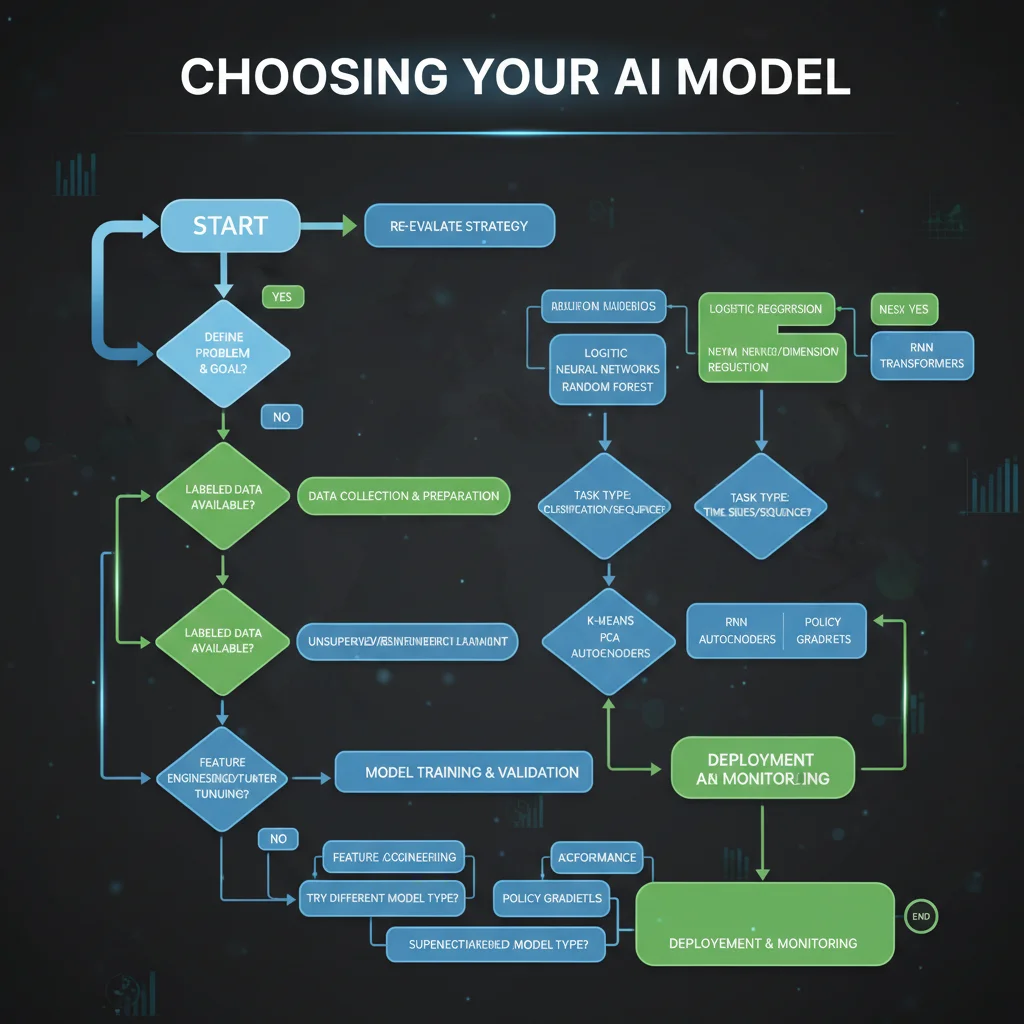
Model Selection Decision Tree
Step 1: Determine Deployment Environment
- Need to run on mobile or IoT devices? → E2B or E4B
- Deploying on office servers or workstations? → 26B MoE or 31B Dense
- Pure cloud usage? → Vertex AI Serverless (26B MoE)
Step 2: Assess Quality Requirements
- General tasks (customer service, summarization, classification)? → E4B or 26B MoE is sufficient
- Complex reasoning (math, code, legal analysis)? → 31B Dense
- Voice interaction? → E2B/E4B (or the later 12B Unified)
Step 3: Calculate Costs
- 26B MoE inference costs are roughly 40% of 31B Dense (3.8B vs 30.7B active parameters)
- Upfront hardware investment for on-premises vs. ongoing cloud usage fees
- Fine-tuning costs: E4B needs just one RTX 3090; 26B MoE requires an A100 or multi-GPU setup
Cloud vs On-Premises: How to Decide
Choose cloud when: You don't want to manage hardware, need elastic scaling, want compliance handled by the cloud provider, or your team lacks MLOps experience.
Choose on-premises when: Data must stay within your corporate network, long-term costs favor ownership, you need full control over models and infrastructure, or you already have GPU servers.
Hybrid approach (our top recommendation): Use cloud APIs for prototyping and testing, then evaluate migration to on-premises once the solution is validated. The 26B MoE has a Serverless option on Vertex AI, letting you start with zero infrastructure investment.
Adoption Roadmap
- Weeks 1-2: POC using Google AI Studio free tier
- Weeks 3-4: Fine-tuning experiments with enterprise data (LoRA/QLoRA)
- Weeks 5-6: Deploy to Vertex AI or on-premises for stress testing
- Weeks 7-8: Go live with the first internal use case
For the complete enterprise adoption framework, see Gemma 4 Enterprise Adoption Guide.
Not sure where to start with enterprise AI adoption? Book a free AI consultation — we've helped over 50 enterprises successfully deploy open-source AI models.
Frequently Asked Questions
Is Gemma 4 free?
Yes. Gemma 4 uses the Apache 2.0 open-source license, meaning you can freely download, use, modify, and redistribute it — including for commercial purposes. The only requirement is retaining the original copyright notice. Google AI Studio API access also includes free quotas.
What hardware do I need to run Gemma 4?
The smallest E2B needs about 3GB of memory, and an 8GB RAM laptop can run E4B. The 26B MoE needs a 24GB VRAM GPU (like the RTX 4090), while the 31B Dense is likewise recommended with 24GB VRAM. For detailed requirements, see Gemma 4 Hardware Requirements Guide.
How good is Gemma 4's multilingual support?
Gemma 4 was pre-trained on 140+ languages with out-of-the-box support for 35+ languages, including Chinese, Japanese, Korean, Spanish, French, German, and many more. Our testing shows strong performance on multilingual OCR, conversation, and summarization, though specialized domains may benefit from fine-tuning.
What's the relationship between Gemma 4 and Gemini?
Gemma 4 and Gemini 3 share underlying research, but Gemma is the open-weight version designed for local deployment and fine-tuning. Gemini is Google's flagship closed-source model with more complete features, available only via API. Think of their relationship like Android (open source) vs. Pixel (Google's own product).
Are there any commercial use restrictions?
The Apache 2.0 license has virtually no commercial restrictions. You can build commercial products, offer paid services, and integrate into enterprise software with Gemma 4. No licensing fees to Google, and no requirement to share your fine-tuned data or model weights. This is significantly more permissive than Llama 4's restrictions (700M MAU threshold, branding requirements).
Can Gemma 4 be fine-tuned?
Yes, and the Apache 2.0 license means fine-tuned models are entirely yours. Popular methods include LoRA and QLoRA. E4B can be fine-tuned on a single RTX 3090, while the 26B MoE is recommended with an A100 or multi-GPU setup. For step-by-step instructions, see Gemma 4 Fine-Tuning Complete Guide.
What multimodal inputs does Gemma 4 support?
All Gemma 4 models support text and image input, and all support video understanding up to 60 seconds. E2B, E4B, and 12B Unified feature native audio support handling up to 30 seconds of speech input. All models support interleaved text and image mixing within a single prompt.
Should I choose the 26B MoE or 31B Dense?
If your hardware is limited (24GB VRAM GPU), choose the 26B MoE — it achieves roughly 97% of the 31B's performance with only 3.8B active parameters, at 60% lower inference cost. If you're pursuing maximum quality regardless of cost, choose the 31B Dense.
Ready to adopt open-source AI models safely and efficiently? Book a free AI consultation and let CloudInsight's expert team plan your complete roadmap — from model selection to production deployment.
Further Reading
- Claude Buddy: The 2026 April Fools Easter Egg - The Easter egg exposed by a source code leak
Need Professional Cloud Advice?
Whether you're evaluating cloud platforms, optimizing existing architecture, or looking for cost-saving solutions, we can help
Book Free ConsultationRelated Articles
Gemma 4 API Tutorial: Vertex AI and Google AI Studio
Complete 2026 Gemma 4 API integration tutorial: Google AI Studio for free quick start vs Vertex AI for enterprise deployment. Includes Python code examples, multimodal input, Function Calling, system prompts, and API pricing optimization.
AI Dev ToolsGemma 4 Architecture Deep Dive: MoE, Dual RoPE, and 256K Context Explained
A complete technical analysis of Google's Gemma 4 architecture innovations in 2026: 128-expert MoE design, Dual RoPE for 256K context windows, and Shared KV Cache for inference acceleration. How Gemma 4 jumped from 20.8% to 89.2% on AIME.
AI Dev ToolsRun Gemma 4 31B on Mac: MacBook Pro and Mac Mini Specs
Complete guide to running Gemma 4 31B on Apple Silicon Macs: unified memory advantages, how to pick a machine by memory capacity (M4 and the current M5 generation), how Ollama and MLX actually relate, three budget tiers, installation tutorials, and community benchmarks.