
Gemma 4 Hardware Requirements: RAM, VRAM and GPU

TL;DR: Gemma 4 E2B runs on phones with about 3.1GB of memory. E4B needs a laptop with 6GB VRAM (Q4 is ~5GB). 26B MoE requires about 17GB VRAM at 4-bit quantization (Q4_K_M), so plan on a 24GB card — a 16GB card only fits it with the ~14.4GB Q4_0, and context room is tight. 31B Dense at full precision needs 62GB (one H100). Pick the right quantization level, and consumer hardware can handle surprisingly large models.
"Can my computer run Gemma 4?" That's been the most common question I've heard since Google released Gemma 4 on March 31, 2026.
The answer depends on three things: which model variant you want to run, what quantization precision you'll use, and how much inference quality you're willing to sacrifice. This article lays out every combination of those three variables so you can make informed hardware decisions — no guesswork, no regrets.
Not sure which Gemma 4 model fits your use case? Book a free AI consultation and let our team recommend the optimal hardware configuration for your scenario.
For a complete overview of Gemma 4's capabilities and architecture, see the Gemma 4 Complete Guide.
Memory Requirements Quick Reference for All Five Models
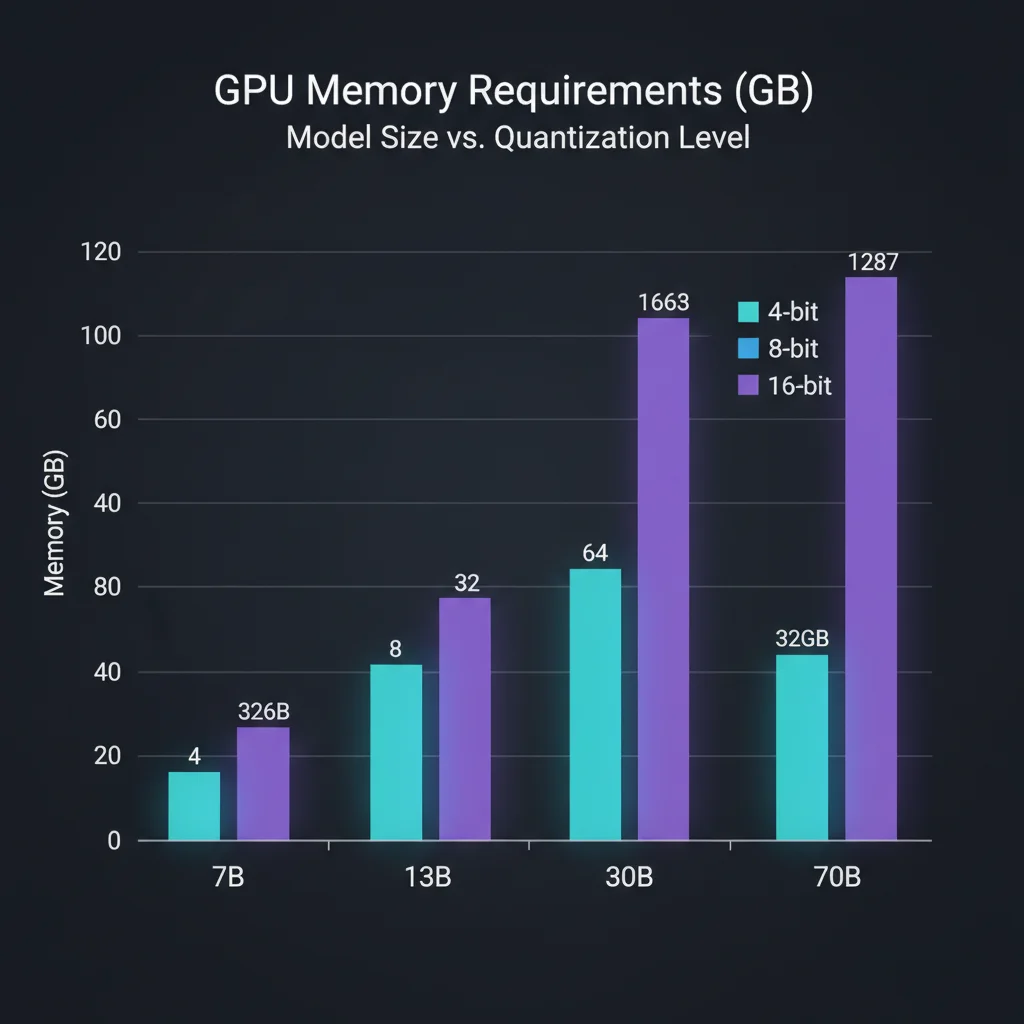
Let's start with the bottom line. Here are the memory requirements for all five Gemma 4 models across three common quantization levels. The figures are the actual file sizes in Unsloth's official GGUF repos, measured in August 2026 (huggingface.co/unsloth/gemma-4-*-GGUF). Note that 12B Unified only joined the family on June 3, 2026 — the original March 31, 2026 launch shipped four sizes: E2B, E4B, 26B A4B and 31B:
| Model | 4-bit (Q4_K_M) | 8-bit (Q8_0) | BF16 (Full Precision) |
|---|---|---|---|
| E2B (2.3B effective / 5.1B with embeddings) | ~3.1 GB | ~5.1 GB | ~9.3 GB |
| E4B (4.5B effective / 8B with embeddings) | ~5 GB | ~8.2 GB | ~15.1 GB |
| 12B Unified (11.95B) | ~7.1 GB | ~12.7 GB | ~23.8 GB |
| 26B MoE A4B (25.2B total / 3.8B active) | ~17 GB | ~26.9 GB | ~50 GB |
| 31B Dense (30.7B) | ~18.3 GB | ~32.6 GB | ~62 GB |
A few key observations:
E2B is a true pocket model. At 4-bit quantization it needs about 3.1GB, and a mid-range Android phone handles it comfortably. Note that the per-layer embeddings in the E-series (E2B and E4B) cannot be quantized and must stay at high precision, so these models compress less impressively than a dense model of the same size — that is why E2B lands at roughly 3GB rather than just over 1GB.
26B MoE and 31B Dense have surprisingly similar VRAM needs at 4-bit. Despite the 26B having fewer total parameters, MoE architecture requires loading all expert weights into memory even though only 3.8B parameters activate per token. At 4-bit quantization, the gap is only about 1GB.
The difference between BF16 and 4-bit is roughly 3x in memory. Quantization is the key technology that makes large models fit on consumer hardware. But it comes at a cost — we'll dig into quality impact later.
Which Models Can Consumer Hardware Run?
This is the question everyone asks: what can you run without server-grade hardware?
NVIDIA GeForce GPUs
| GPU | VRAM | Largest Runnable Model | Speed Reference |
|---|---|---|---|
| RTX 3060 | 12 GB | E4B (Q8), 12B Unified (Q4) | E4B Q8: ~35 tok/s |
| RTX 3090 | 24 GB | 26B MoE (Q4, comfortable), 31B Dense (Q4, tight) | 26B Q4: ~42 tok/s |
| RTX 4060 Ti | 16 GB | 12B Unified (Q8), E4B (BF16, tight); 26B MoE Q4_K_M (~17GB) does not fit (Q4_0 at ~14.4GB just fits, context is tight) | — |
| RTX 4090 | 24 GB | 26B MoE (Q4, comfortable), 31B Dense (Q4, tight) | 26B Q4: ~52 tok/s |
| RTX 5060 Ti | 16 GB | 12B Unified (Q8), E4B (BF16, tight); 26B MoE Q4_K_M (~17GB) does not fit (Q4_0 at ~14.4GB just fits, context is tight) | — |
| RTX 5090 | 32 GB | 31B Dense (Q4, comfortable) | 31B Q4: ~60 tok/s |
The RTX 5060 Ti 16GB launched at a $429 MSRP in April 2025, but the GDDR7 shortage pushed the US street median to around $800 by August 2026 — check live pricing before you budget, and do not plan around the launch MSRP. Its 16GB of VRAM also cannot hold the 26B MoE at Q4_K_M (~17GB); Q4_0 (Google's estimate: ~14.4GB, excluding context cache) just squeezes in but leaves very little room for context, so a 24GB card is still the comfortable entry point for that model.
Both the RTX 4090 and RTX 3090 have 24GB VRAM, which handles the 26B MoE Q4 (~17GB) with room left for KV cache. But running the 31B Dense Q4 (~18GB) leaves minimal headroom for long contexts.
Apple Silicon Macs
| Machine | Unified Memory | Largest Runnable Model | Speed Reference |
|---|---|---|---|
| M1/M2 (8GB) | 8 GB | E4B (Q4) | E4B Q4: ~20 tok/s |
| M1/M2 (16GB) | 16 GB | 12B Unified (Q8); 26B MoE Q4 (~17GB) does not fit | — |
| M3/M4 (24GB) | 24 GB | 26B MoE (Q4, ~7GB left for the OS) | 26B Q4: ~25 tok/s |
| M4 Pro (48GB) | 48 GB | 31B Dense (Q8) | 31B Q8: ~20 tok/s |
| M4 Max (128GB) | 128 GB | 31B Dense (BF16) | 31B BF16: ~15 tok/s |
The Mac advantage is unified memory architecture — CPU and GPU share the same memory pool, unlike NVIDIA's separate VRAM. The M4 Max with 128GB can even run the 31B Dense at full BF16 precision without quantization.
The disadvantage is memory bandwidth. The M4 Max's 546 GB/s sounds impressive, but it's an order of magnitude below the H100's 3.35 TB/s. So while the Mac can load the full model, inference speed will be noticeably slower.
Use the MLX framework for Mac inference — it delivers 30-50% higher throughput than llama.cpp on Apple Silicon.
Need help evaluating what your existing hardware can run? Contact our technical team for free hardware configuration advice.
Smartphones and Tablets: E2B and E4B Edge Deployment
The most impressive thing about Gemma 4 is that E2B genuinely runs well on phones. Not in a "technically possible but painfully slow" way — it's actually fast enough for real-time conversation.
Android Deployment
On the day Gemma 4 was released, Google added Gemma 4 support to its AI Edge Gallery app. You can download E2B and E4B models directly from the app with zero technical setup required.
For developers seeking deeper integration, the LiteRT-LM framework is the production path. It supports 2-bit and 4-bit quantization plus memory-mapped per-layer embeddings, which keeps E2B's resident memory below the GGUF file size (~3.1GB at Q4). A flagship Android phone from the last two years — such as one running the Snapdragon 8 Elite, announced in October 2024 — delivers near-real-time conversational speed on E2B.
iOS Deployment
Good news: AI Edge Gallery now supports iOS as well. It requires iOS 17 or later and can be installed directly from the App Store (the Android version requires Android 12 or later).
Practical Use Cases
- E2B is ideal for: voice assistants, real-time translation, simple Q&A, IoT device control
- E4B is ideal for: document summarization, advanced conversation, image understanding, offline search
One important caveat: running AI models on phones generates significant heat. Most phones will start thermal throttling after 5+ minutes of continuous inference. Factor in thermal testing and throttling strategies for any production deployment.
For complete local deployment tutorials, see the Gemma 4 Local Deployment Guide.
Server-Grade Hardware: Configuring for 26B MoE and 31B Dense
For production deployments, consumer hardware won't cut it. Here are server GPU configuration recommendations:
Single-GPU Deployment Options
| GPU | VRAM | Best For | Rental Rates (Aug 2026) |
|---|---|---|---|
| NVIDIA L40S | 48 GB | 26B MoE (Q8), 31B Dense (Q4) | $0.88–2.25/hr, from ~$655/mo |
| NVIDIA A100 | 80 GB | 31B Dense (BF16) | on-demand $1.09–5.07/hr |
| NVIDIA H100 | 80 GB | 31B Dense (BF16), high concurrency | on-demand $1.49–6.98/hr (median ~$3.37) |
The L40S is the sweet spot for small to mid-size teams. Its 48GB VRAM comfortably runs the 26B MoE at Q8 (~27GB) or the 31B Dense at Q4 (~18GB) with generous KV cache headroom. The cheapest providers rent one for about $655/month; an H100 at the August 2026 median of $3.37/hr works out to roughly $2,400/month, so the L40S is around 70% cheaper. These are August 2026 public rates and the spread is enormous (H100 ranges from $1.49 to $6.98/hr), so shop around before signing.
The H100 is the standard for high-concurrency production. Its 3.35 TB/s memory bandwidth delivers far higher throughput than the A100 (2 TB/s) or L40S (864 GB/s) when handling multiple concurrent requests. If you need to serve 50+ simultaneous users, H100 with BF16 is the most reliable option.
The A100 is the value compromise. It matches the H100's 80GB VRAM at a lower price point, but falls behind in bandwidth and Tensor Core performance. Latency increases under high concurrency.
Multi-GPU Configurations
If you need to run the 31B Dense BF16 (62GB) but only have A100 40GB machines, tensor parallelism across two GPUs works. Both vLLM and TensorRT-LLM support this, though it adds roughly 10-15% latency overhead.
My Recommendations
| Scenario | Recommended Setup | Rationale |
|---|---|---|
| MVP / Low Traffic | L40S + 26B MoE Q8 | Low cost, high quality |
| Production / Medium Traffic | A100 80GB + 31B Dense BF16 | Best quality, reasonable cost |
| High Concurrency / Strict SLA | H100 + 31B Dense BF16 | Maximum throughput |
Need a server-grade Gemma 4 deployment plan? Book a technical consultation — we provide end-to-end support from hardware selection to production launch.
Quantization Quality Impact: Is 4-Bit Good Enough?
This is the question everyone asks: how much quality do you actually lose with quantization?
Quantization Levels and Quality Loss
Gemma 4's architecture was designed with quantization-friendliness in mind, making it more resilient to quantization than many comparable models. Based on community benchmarks:
| Quantization Level | Memory Savings | Quality Loss | Best For |
|---|---|---|---|
| BF16 (None) | Baseline | None | Research, quality-sensitive production |
| Q8_0 (8-bit) | ~50% | Barely noticeable (<1%) | Production gold standard |
| Q6_K (6-bit) | ~62% | Minimal (~1-2%) | Best quality-efficiency balance |
| Q4_K_M (4-bit) | ~75% | Noticeable (~3-5%) | Best option when VRAM is limited |
| Q2_K (2-bit) | ~87% | Significant (~10-15%) | Edge devices only, non-critical tasks |
When Is 4-Bit Good Enough?
Good enough for:
- General conversation and Q&A
- Code generation and debugging
- Document summarization
- Creative writing
Not ideal for:
- Complex mathematical reasoning (AIME scores drop 5-8% at Q4)
- Multi-step logical reasoning
- Tasks requiring precise numerical outputs
- Post-fine-tuning deployment in specialized domains
NVIDIA NVFP4: A Game Changer
NVIDIA's NVFP4 format on Blackwell architecture deserves special attention. It's a hardware-native 4-bit floating-point format that preserves significantly more precision than traditional Q4 integer quantization. On an RTX 5090 or Blackwell server GPU, NVFP4 delivers near-8-bit quality at 4-bit memory footprint.
My Quantization Recommendations
- Ample VRAM (48GB+) → Q8 or BF16
- Limited VRAM (16-24GB) → Q4_K_M, the reliable workhorse
- Edge devices (4-8GB) → Q4 or lower, paired with LiteRT
Want to learn how fine-tuning can compensate for quantization loss? See the Gemma 4 Fine-Tuning Guide.
Frequently Asked Questions
Can my RTX 3060 12GB run Gemma 4?
Yes, but it depends on the model. All quantization levels of E2B and E4B work fine. The 26B MoE Q4 requires ~17GB, which exceeds the 3060's 12GB VRAM. The largest models you can run are 12B Unified at Q4 (~7.1GB) or E4B at Q8 (~8.2GB) — note that E4B at full BF16 precision is now ~15GB and will not fit on a 12GB card either.
How does the 26B MoE perform on a Mac Mini M4 (24GB)?
It runs well. The 26B MoE Q4 needs ~17GB, leaving 7GB of the 24GB unified memory for system overhead and KV cache. Using MLX, you can expect roughly 25 tok/s generation speed — perfectly usable for everyday conversation and development assistance. The only caveat: very long contexts (>32K tokens) may cause out-of-memory issues.
Can you fine-tune quantized models?
Yes, though the recommended approach is QLoRA (Quantized LoRA). Load the 4-bit quantized base model, then train LoRA adapters at BF16 precision. Per Unsloth's official figures, 31B QLoRA needs about 22GB VRAM (E2B about 8GB, E4B about 10GB) for high-quality fine-tuning on top of the quantized model. The Unsloth framework has particularly strong QLoRA support for Gemma 4.
How much difference is there between H100 and A100 for Gemma 4 31B?
The main gap is in throughput and concurrency. Single-request latency differs by roughly 20-30%, but at 32 concurrent requests, the H100 delivers 1.5-2x the throughput of an A100. For development and testing, the A100 is perfectly adequate. For production serving multiple users, the H100 investment pays for itself.
Further Reading
- Run Gemma 4 31B on Mac: MacBook Pro and Mac Mini Specs - What MacBook Pro and Mac Mini actually need
Need Professional Cloud Advice?
Whether you're evaluating cloud platforms, optimizing existing architecture, or looking for cost-saving solutions, we can help
Book Free ConsultationRelated Articles
Run Gemma 4 31B on Mac: MacBook Pro and Mac Mini Specs
Complete guide to running Gemma 4 31B on Apple Silicon Macs: unified memory advantages, how to pick a machine by memory capacity (M4 and the current M5 generation), how Ollama and MLX actually relate, three budget tiers, installation tutorials, and community benchmarks.
AI Dev ToolsHow to Run Gemma 4 Locally: Ollama, LM Studio, and Unsloth Complete Guide
How to run Gemma 4 locally in 2026: three complete deployment methods — Ollama for quick setup, LM Studio for GUI simplicity, Unsloth for advanced inference and fine-tuning. Includes hardware requirements, quantization choices, and troubleshooting.
AI Dev ToolsGemma 4 Complete Guide: The Most Powerful Open Source Model of 2026
Google's Gemma 4 open-source model family in 2026 — Apache 2.0 licensed, four launch sizes (E2B to 31B, with 12B Unified added in June 2026), 256K context window, multimodal support. Full analysis of architecture, deployment, fine-tuning, API integration, and enterprise adoption strategies.