
Lambda@Edge Complete Guide: CDN Edge Computing Applications and Practice
You're using CDN, and global users can quickly load static files. But what if you need some "dynamic processing" at the CDN level?
URL rewriting, A/B testing, security header injection, image format conversion—these traditionally require processing through the Origin Server, with high latency and increased backend load.
Lambda@Edge lets you execute code at CloudFront's global edge locations, bringing logic closest to your users.
This article provides a complete analysis of Lambda@Edge concepts, limitations, and practical applications. If you're not familiar with Lambda basics, consider reading AWS Lambda Complete Guide first.
What is Lambda@Edge
Edge Computing Concept
Edge Computing moves computing power from central servers to locations close to users.
Traditional architecture:
User (Taipei) → CloudFront Edge → Origin (Tokyo) → Processing Logic → Response
Latency: CDN cache hit ~20ms, cache miss ~200ms
Lambda@Edge architecture:
User (Taipei) → CloudFront Edge → Lambda@Edge Processing → Direct Response
Latency: ~50ms (no need to go back to Origin)
Differences from Regular Lambda
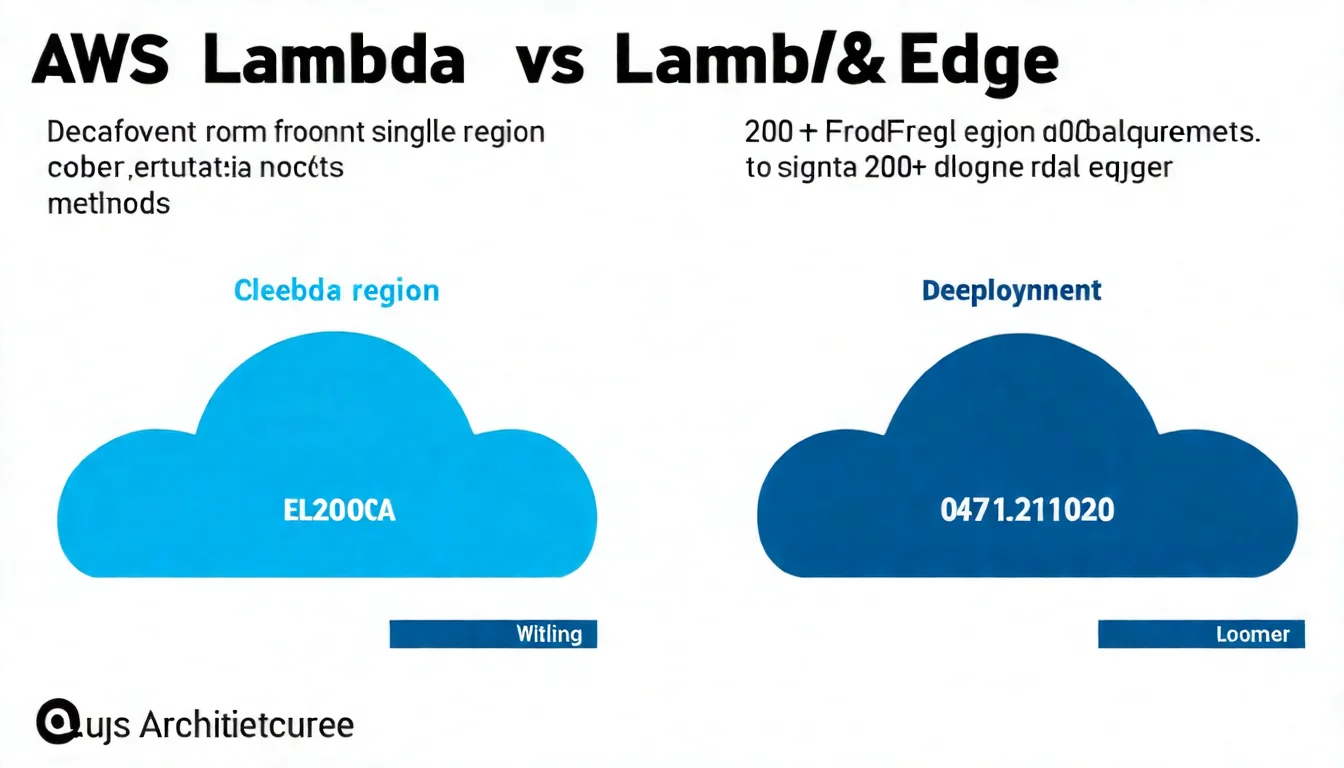 Image description: Architecture comparison between regular Lambda and Lambda@Edge, showing differences in execution location, trigger methods, and limitations.
| Feature | Regular Lambda | Lambda@Edge |
|---|---|---|
| Execution Location | Single Region | CloudFront's 200+ global edge locations |
| Deployment Region | Any Region | us-east-1 only |
| Trigger Method | Multiple triggers | CloudFront Events |
| Max Execution Time | 15 minutes | Viewer: 5 sec / Origin: 30 sec |
| Memory Limit | 10 GB | 128 MB - 10 GB |
| Environment Variables | Supported | Not Supported |
| VPC | Supported | Not Supported |
| Container Image | Supported | Not Supported |
CloudFront Integration Principle
Lambda@Edge triggers through CloudFront events. When a request reaches CloudFront, Lambda can execute at 4 different trigger points:
User Request → Viewer Request → [Cache Check] → Origin Request → Origin
                                                                    ↓
User ← Viewer Response ← [Cache] ← Origin Response ← Origin Response
Trigger Points
Viewer Request
Trigger Timing: After CloudFront receives user request, before cache check.
Typical Uses:
- URL rewriting (multilingual routing)
- A/B testing traffic split
- Request validation
- Geolocation detection
// Viewer Request example: Redirect based on language
exports.handler = async (event) => {
  const request = event.Records[0].cf.request;
  const headers = request.headers;

  // Get Accept-Language
  const acceptLanguage = headers['accept-language']?.[0]?.value || '';

  // Determine language and rewrite URI
  if (acceptLanguage.includes('zh')) {
    request.uri = '/zh' + request.uri;
  } else if (acceptLanguage.includes('ja')) {
    request.uri = '/ja' + request.uri;
  } else {
    request.uri = '/en' + request.uri;
  }

  return request;
};
Origin Request
Trigger Timing: On cache miss, before forwarding request to Origin.
Typical Uses:
- Dynamic Origin selection (blue-green deployment)
- Adding authentication headers
- Modifying request parameters
// Origin Request example: Dynamic Origin selection
exports.handler = async (event) => {
  const request = event.Records[0].cf.request;

  // Select different Origin based on path
  if (request.uri.startsWith('/api/v2')) {
    request.origin = {
      custom: {
        domainName: 'api-v2.example.com',
        port: 443,
        protocol: 'https',
        sslProtocols: ['TLSv1.2']
      }
    };
    request.headers['host'] = [{ key: 'host', value: 'api-v2.example.com' }];
  }

  return request;
};
Origin Response
Trigger Timing: After receiving Origin response, before storing in cache.
Typical Uses:
- Adding security headers
- Modifying response headers
- Compressing or transforming content
Viewer Response
Trigger Timing: Before returning to user (whether cache hit or miss).
Typical Uses:
- Adding cookies
- Modifying Cache-Control headers
- Removing sensitive headers
How to Choose the Right Trigger Point
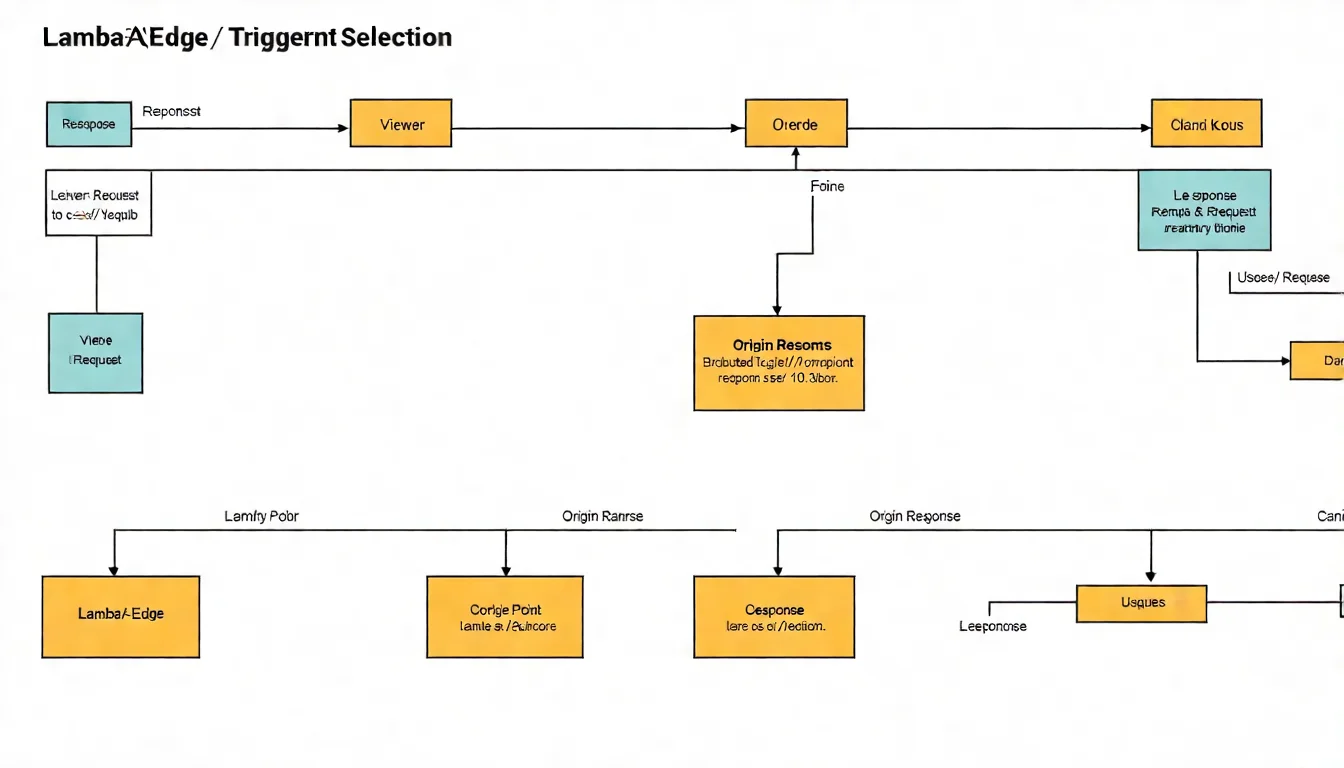 Image description: Lambda@Edge trigger point decision tree, guiding selection based on requirements (modify request/response, cache impact).
| Requirement | Recommended Trigger | Reason |
|---|---|---|
| URL rewriting, A/B testing | Viewer Request | Process before cache check |
| Dynamic Origin selection | Origin Request | Only needed on cache miss |
| Add security headers | Origin Response | Process once, cached automatically |
| Set user cookies | Viewer Response | Must execute on every request |
Performance Consideration: Viewer triggers execute on every request, Origin triggers only execute on cache miss. Use Origin when possible instead of Viewer.
Lambda@Edge Limitations
Differences from Regular Lambda Table
| Limit Item | Lambda@Edge (Viewer) | Lambda@Edge (Origin) | Regular Lambda |
|---|---|---|---|
| Execution Time | 5 seconds | 30 seconds | 15 minutes |
| Memory | 128 MB - 128 MB | 128 MB - 10 GB | 128 MB - 10 GB |
| Deployment Package | 1 MB | 50 MB | 250 MB |
| Environment Variables | Not Supported | Not Supported | Supported |
| VPC | Not Supported | Not Supported | Supported |
| Layers | Not Supported | Not Supported | Supported |
| Provisioned Concurrency | Not Supported | Not Supported | Supported |
Important Limitation Notes
1. Must Deploy in us-east-1
Lambda@Edge functions must be created in N. Virginia (us-east-1), AWS automatically replicates to all global CloudFront edge locations.
# Error: Creating in other Regions won't associate with CloudFront
aws lambda create-function --region ap-northeast-1 ...  # Cannot use for Lambda@Edge

# Correct: Must create in us-east-1
aws lambda create-function --region us-east-1 ...
2. No Environment Variables Support
Cannot use process.env.MY_VAR. Alternatives:
// Write config in code
const CONFIG = {
  API_ENDPOINT: 'https://api.example.com',
  FEATURE_FLAG: true
};

// Or dynamically read from S3/Parameter Store (adds latency)
3. No VPC Support
Lambda@Edge cannot access resources inside VPC. If you need to access RDS, ElastiCache, consider:
- Use public API Gateway endpoints
- Use DynamoDB (global tables)
- Redesign architecture
CloudFront Functions vs Lambda@Edge
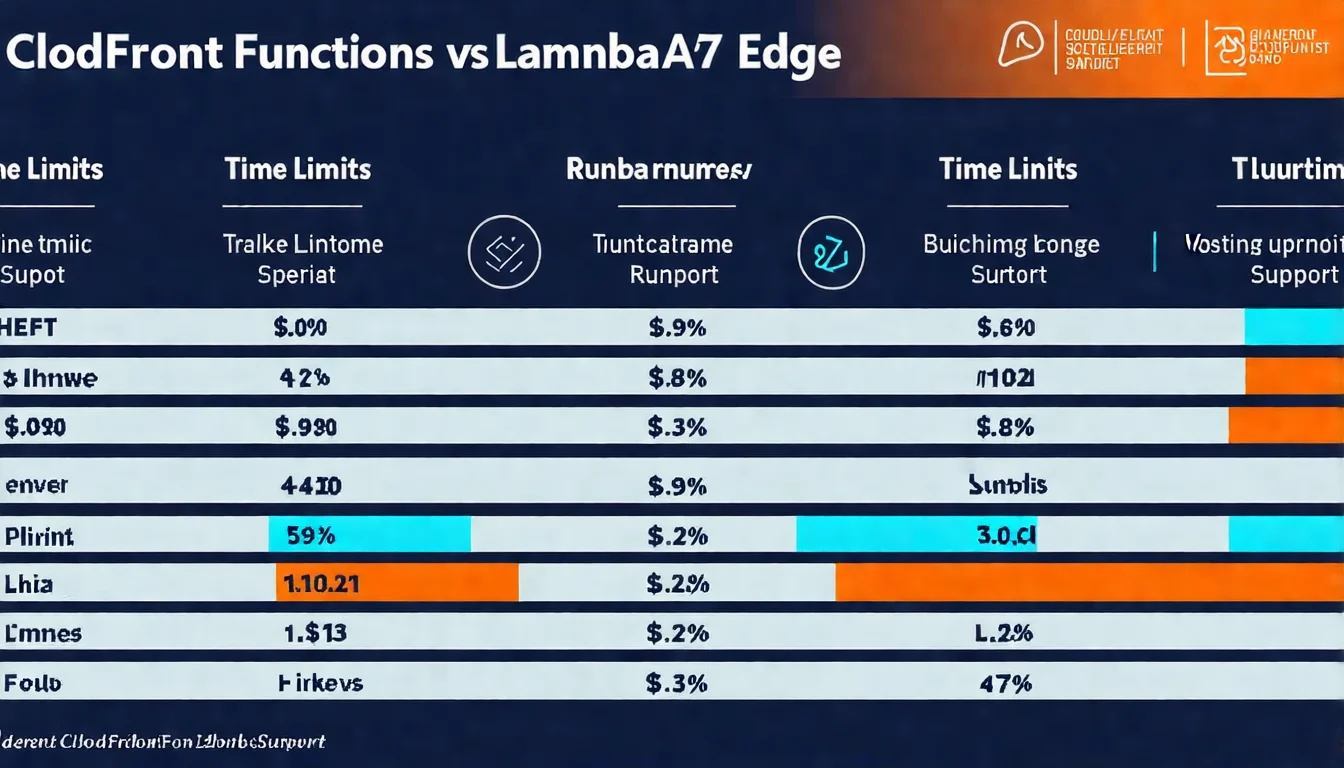 Image description: CloudFront Functions and Lambda@Edge feature and use case comparison table.
| Feature | CloudFront Functions | Lambda@Edge |
|---|---|---|
| Execution Time | < 1 ms | 5-30 seconds |
| Memory | 2 MB | 128 MB - 10 GB |
| Language | JavaScript (ES 5.1) | Node.js, Python |
| Network Access | Not Supported | Supported |
| Cost | ~$0.10/million | ~$0.60/million |
| Trigger Points | Viewer stage | All 4 |
Selection Recommendations:
- Simple header operations, URL rewriting → CloudFront Functions (faster and cheaper)
- Need to call external APIs, complex logic → Lambda@Edge
Not sure if Lambda@Edge is right for you? Book CDN evaluation and let experts help you analyze.
Practical Applications
Application 1: URL Rewriting (Multilingual, Pretty URLs)
// Rewrite /blog/123 to /blog/123.html
exports.handler = async (event) => {
  const request = event.Records[0].cf.request;
  const uri = request.uri;

  // If directory path, add index.html
  if (uri.endsWith('/')) {
    request.uri += 'index.html';
  }
  // If no extension, add .html
  else if (!uri.includes('.')) {
    request.uri += '.html';
  }

  return request;
};
Application 2: A/B Testing
// A/B testing traffic split based on cookie
exports.handler = async (event) => {
  const request = event.Records[0].cf.request;
  const headers = request.headers;

  // Check for A/B testing cookie
  let experimentGroup = 'A';
  const cookies = headers.cookie?.[0]?.value || '';
  const match = cookies.match(/ab-test=([AB])/);

  if (match) {
    experimentGroup = match[1];
  } else {
    // Randomly assign new users
    experimentGroup = Math.random() < 0.5 ? 'A' : 'B';
  }

  // Rewrite path based on group
  if (experimentGroup === 'B') {
    request.uri = '/experiment-b' + request.uri;
  }

  // Add header to let Origin know the group
  request.headers['x-experiment-group'] = [{ key: 'X-Experiment-Group', value: experimentGroup }];

  return request;
};
Application 3: Security Headers (CSP, HSTS)
// Origin Response: Add security headers
exports.handler = async (event) => {
  const response = event.Records[0].cf.response;
  const headers = response.headers;

  // Strict Transport Security
  headers['strict-transport-security'] = [{
    key: 'Strict-Transport-Security',
    value: 'max-age=31536000; includeSubDomains; preload'
  }];

  // Content Security Policy
  headers['content-security-policy'] = [{
    key: 'Content-Security-Policy',
    value: "default-src 'self'; script-src 'self' 'unsafe-inline' cdn.example.com;"
  }];

  // X-Frame-Options
  headers['x-frame-options'] = [{
    key: 'X-Frame-Options',
    value: 'DENY'
  }];

  // X-Content-Type-Options
  headers['x-content-type-options'] = [{
    key: 'X-Content-Type-Options',
    value: 'nosniff'
  }];

  return response;
};
Application 4: Image Optimization (WebP Conversion)
// Viewer Request: Rewrite image path based on browser support
exports.handler = async (event) => {
  const request = event.Records[0].cf.request;
  const headers = request.headers;
  const uri = request.uri;

  // Check if image request
  if (uri.match(/\.(jpe?g|png)$/i)) {
    // Check if browser supports WebP
    const accept = headers.accept?.[0]?.value || '';

    if (accept.includes('image/webp')) {
      // Rewrite to WebP version
      request.uri = uri.replace(/\.(jpe?g|png)$/i, '.webp');
    }
  }

  return request;
};
Application 5: Edge Authentication
// Viewer Request: JWT Token validation
const jwt = require('jsonwebtoken');  // Must bundle in deployment package

const PUBLIC_KEY = `-----BEGIN PUBLIC KEY-----
...
-----END PUBLIC KEY-----`;

exports.handler = async (event) => {
  const request = event.Records[0].cf.request;
  const headers = request.headers;

  // Get Authorization Header
  const authHeader = headers.authorization?.[0]?.value;

  if (!authHeader || !authHeader.startsWith('Bearer ')) {
    return {
      status: '401',
      statusDescription: 'Unauthorized',
      headers: {
        'content-type': [{ key: 'Content-Type', value: 'application/json' }]
      },
      body: JSON.stringify({ error: 'Missing or invalid token' })
    };
  }

  const token = authHeader.substring(7);

  try {
    const decoded = jwt.verify(token, PUBLIC_KEY, { algorithms: ['RS256'] });

    // Pass user info to Origin
    request.headers['x-user-id'] = [{ key: 'X-User-Id', value: decoded.sub }];

    return request;
  } catch (err) {
    return {
      status: '401',
      statusDescription: 'Unauthorized',
      headers: {
        'content-type': [{ key: 'Content-Type', value: 'application/json' }]
      },
      body: JSON.stringify({ error: 'Invalid token' })
    };
  }
};
For comparison with API Gateway authentication methods, see API Gateway Authentication.
Deployment Tutorial
Using AWS Console
Step 1: Create Lambda Function in us-east-1
- Go to Lambda Console (confirm in N. Virginia)
- Create function → Author from scratch
- Runtime: Node.js 20.x
- Paste code and deploy
Step 2: Publish Version
- Actions → Publish new version
- Lambda@Edge requires version number, cannot use $LATEST
Step 3: Add CloudFront Trigger
- Function page → Add trigger
- Select CloudFront
- Select Distribution and trigger point
- Check "Deploy to Lambda@Edge"
Using Terraform
For detailed Terraform Lambda deployment basics, see Terraform Lambda Deployment Tutorial.
# provider.tf - Must be in us-east-1
provider "aws" {
  alias  = "us_east_1"
  region = "us-east-1"
}

# Lambda@Edge function
resource "aws_lambda_function" "edge" {
  provider = aws.us_east_1

  function_name = "my-edge-function"
  role          = aws_iam_role.edge_lambda.arn
  handler       = "index.handler"
  runtime       = "nodejs20.x"
  publish       = true  # Must publish version

  filename         = data.archive_file.edge_lambda.output_path
  source_code_hash = data.archive_file.edge_lambda.output_base64sha256
}

# IAM Role
resource "aws_iam_role" "edge_lambda" {
  provider = aws.us_east_1
  name     = "edge-lambda-role"

  assume_role_policy = jsonencode({
    Version = "2012-10-17"
    Statement = [
      {
        Action = "sts:AssumeRole"
        Effect = "Allow"
        Principal = {
          Service = [
            "lambda.amazonaws.com",
            "edgelambda.amazonaws.com"  # Lambda@Edge needs this
          ]
        }
      }
    ]
  })
}

resource "aws_iam_role_policy_attachment" "edge_lambda_logs" {
  provider   = aws.us_east_1
  role       = aws_iam_role.edge_lambda.name
  policy_arn = "arn:aws:iam::aws:policy/service-role/AWSLambdaBasicExecutionRole"
}

# CloudFront Distribution
resource "aws_cloudfront_distribution" "main" {
  # ... other settings ...

  default_cache_behavior {
    # ... other settings ...

    lambda_function_association {
      event_type   = "viewer-request"
      lambda_arn   = aws_lambda_function.edge.qualified_arn
      include_body = false
    }
  }
}
Need CDN architecture optimization? Lambda@Edge, CloudFront Functions, and edge caching each have their use cases. Book CDN evaluation and let us design the optimal CDN architecture for you.
Performance and Cost
Cost Calculation
Lambda@Edge pricing:
| Billing Item | Unit Price |
|---|---|
| Request Count | $0.60 / million (3x more expensive than regular Lambda) |
| Execution Time | Depends on memory, 128 MB ~$0.00000625 / 128ms |
Example Calculation: 10 million requests/month, average 50ms execution, 128 MB memory
Request cost: 10,000,000 × $0.0000006 = $6.00
Execution time: 10,000,000 × 50ms × $0.00000625 / 128ms = $24.41
Total: ~$30.41 / month
Cost Comparison with Regular Lambda
For more detailed Lambda cost calculation, see Lambda Pricing Detailed Guide.
| Scenario | Lambda@Edge | Lambda + API Gateway |
|---|---|---|
| Request Cost (per million) | $0.60 | $0.20 + $1.00 = $1.20 |
| Global Latency | Low (edge execution) | Higher (needs to go back to Region) |
| Use Case | Simple processing, low latency needs | Complex logic, needs VPC |
Conclusion: If logic is simple and latency-sensitive, Lambda@Edge may be more cost-effective than Lambda + API Gateway.
Performance Optimization Tips
 Image description: Lambda@Edge performance optimization key points, including code minimization, avoiding external APIs, leveraging caching.
1. Reduce Deployment Package Size
# Use esbuild or webpack to bundle, remove unused code
npm install -D esbuild
esbuild index.js --bundle --minify --platform=node --outfile=dist/index.js
2. Avoid Unnecessary External API Calls
// Bad: Call external API on every request
const response = await fetch('https://api.example.com/config');

// Better: Use static config in code, or cache results
let cachedConfig = null;
let cacheTime = 0;

async function getConfig() {
  const now = Date.now();
  if (cachedConfig && now - cacheTime < 60000) {
    return cachedConfig;
  }
  cachedConfig = await fetch('https://api.example.com/config').then(r => r.json());
  cacheTime = now;
  return cachedConfig;
}
3. Leverage CloudFront Caching
Add headers in Origin Response to enable caching:
response.headers['cache-control'] = [{
  key: 'Cache-Control',
  value: 'public, max-age=86400'  // Cache for 1 day
}];
FAQ
Where can I see Lambda@Edge logs?
Lambda@Edge CloudWatch Logs are written to the Region where the function executed, not us-east-1. Taiwan user requests may execute in Tokyo (ap-northeast-1) or Singapore (ap-southeast-1). You need to check CloudWatch in each Region, Log Group name is /aws/lambda/us-east-1.<function-name>.
Can Lambda@Edge use languages other than Node.js?
Yes, Lambda@Edge supports Node.js and Python. But CloudFront Functions only supports JavaScript (ES 5.1). If your logic is simple, recommend using CloudFront Functions for faster execution and lower cost.
How long does Lambda@Edge update take to propagate?
After Lambda@Edge update, you need to wait for CloudFront to propagate the new version to global edge locations, usually 5-15 minutes. If urgent update is needed, consider creating a new CloudFront Distribution.
Can Lambda@Edge read Request Body?
Yes, but requires special configuration. Check "Include Body" in CloudFront Behavior, and only Viewer Request and Origin Request trigger points are supported. Body size limit is 40 KB (Viewer) or 1 MB (Origin).
Conclusion
Lambda@Edge lets you execute code at global CDN edge locations, achieving low-latency dynamic processing.
Key points recap:
- 4 Trigger Points: Viewer Request/Response, Origin Request/Response, each with suitable use cases
- Important Limitations: Must deploy in us-east-1, no environment variables or VPC support
- vs CloudFront Functions: Use CF Functions for simple logic, Lambda@Edge for complex logic
- Practical Applications: URL rewriting, A/B testing, security headers, image optimization, edge authentication
Scenarios suited for Lambda@Edge:
- Need to process requests/responses at CDN level
- Latency-sensitive for global users
- Relatively simple logic with short execution time
When Lambda@Edge encounters issues, error handling differs slightly from regular Lambda. See Lambda Error Handling Complete Guide for basic concepts.
Unsuitable scenarios:
- Need to access VPC resources
- Execution time exceeds 30 seconds
- Need many environment variables or Layers
Need Professional CDN and Edge Computing Planning?
If you're:
- Evaluating Lambda@Edge use cases
- Optimizing global website access speed
- Designing complex CDN edge logic
Book architecture consultation, we'll respond within 24 hours. Proper CDN architecture significantly improves user experience and conversion rates.
Need Professional Cloud Advice?
Whether you're evaluating cloud platforms, optimizing existing architecture, or looking for cost-saving solutions, we can help
Book Free ConsultationRelated Articles
Terraform AWS Lambda Deployment Complete Tutorial: IaC Best Practices
How to deploy AWS Lambda with Terraform? This complete tutorial covers IaC best practices, including Module usage, CI/CD integration, multi-environment deployment, helping you achieve repeatable infrastructure management.
AWS LambdaAWS Lambda Pricing Complete Guide: Free Tier, Billing Model & Cost-Saving Tips [2026]
How does AWS Lambda charge? This article explains Lambda billing model, Free Tier allowances, Memory Size cost relationships, and provides practical cost-saving tips to help you find the best cost efficiency.
AWS LambdaAWS Lambda + API Gateway Integration Tutorial: Complete Guide to Building REST APIs
How to build REST APIs with Lambda + API Gateway? This tutorial covers Lambda Proxy Integration, Lambda Authorizer setup, and compares when to use Function URLs.