
AWS Lambda + API Gateway Integration Tutorial: Complete Guide to Building REST APIs
Introduction: Why This Combination Is So Popular
Want to build a scalable API in 10 minutes?
Lambda + API Gateway is the fastest way.
No server setup needed, no scaling concerns, no load balancer configuration.
Write your code, set up routing, deploy. Your API is live.
That's the magic of Serverless APIs.
If you're not familiar with Lambda basics, consider reading AWS Lambda Complete Guide first.
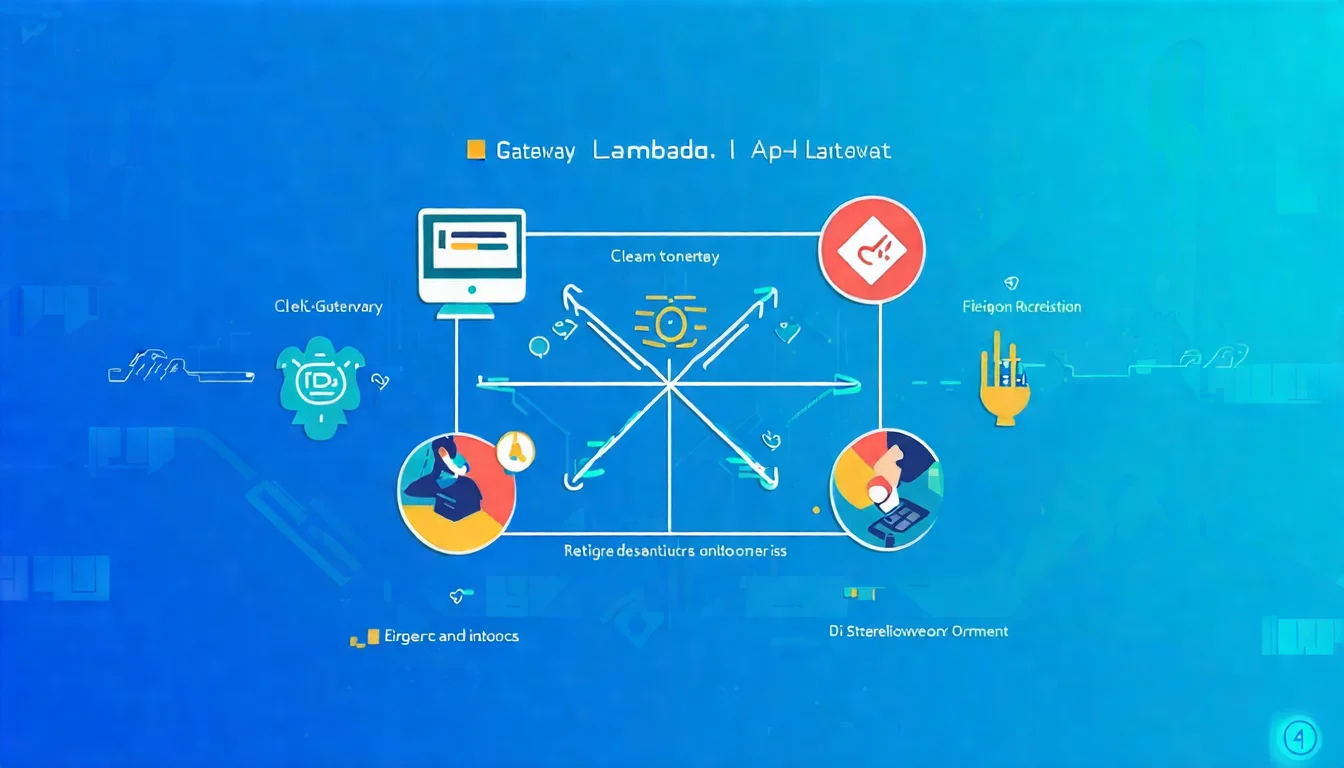
Concept Introduction
Before diving in, understand how these two services work together.
What is API Gateway
API Gateway is AWS's API management service.
It handles:
- Receiving Requests: Processing HTTP/HTTPS requests
- Authentication & Authorization: Validating API Keys, JWT Tokens, IAM permissions
- Traffic Control: Rate limiting, throttling protection
- Request Transformation: Modifying request/response formats
- Monitoring & Logging: CloudWatch integration, access logs
Simply put, API Gateway is the "front door" to your API.
All external requests pass through it first, then forward to backend services (Lambda, EC2, other HTTP endpoints).
REST API vs HTTP API Differences
API Gateway has two types: REST API and HTTP API.
| Feature | REST API | HTTP API |
|---|---|---|
| Price | $3.50 per million | $1.00 per million |
| Latency | Higher | Lower (~60% faster) |
| Features | Complete | Basic |
| API Key Management | ✅ | ✅ |
| Usage Plans | ✅ | ❌ |
| Request Validation | ✅ | ❌ |
| WAF Integration | ✅ | ❌ |
| Private Endpoints | ✅ | ✅ |
| Lambda Authorizer | ✅ | ✅ |
Selection Recommendations:
- Need advanced features (WAF, request validation, usage plans): Choose REST API
- Prioritizing low cost and low latency: Choose HTTP API
- Not sure: Start with HTTP API, upgrade when needed
For detailed cost comparison, see AWS Lambda Pricing Complete Guide.
Lambda Proxy Integration Principle
Lambda Proxy Integration is the most commonly used integration method.
The principle is straightforward:
- API Gateway receives HTTP request
- Wraps complete request (including headers, body, path, query) into event object
- Passes to Lambda function
- Lambda returns response in specified format
- API Gateway sends response to client
event object example:
{
  "httpMethod": "POST",
  "path": "/users",
  "headers": {
    "Content-Type": "application/json",
    "Authorization": "Bearer xxx"
  },
  "queryStringParameters": {
    "page": "1"
  },
  "body": "{\"name\": \"John\"}"
}
Lambda response format (must follow):
{
  "statusCode": 200,
  "headers": {
    "Content-Type": "application/json"
  },
  "body": "{\"message\": \"success\"}"
}
If the response format is incorrect, you'll get a 502 Bad Gateway error. This is the most common issue.
Implementation Steps
Let's build a simple API: GET /hello returns a greeting message.
Step 1: Create Lambda Function
Using AWS Console:
- Go to Lambda service
- Click "Create function"
- Select "Author from scratch"
- Function name:
hello-api - Runtime: Python 3.12
- Click "Create function"
Paste the code:
import json

def lambda_handler(event, context):
    # Get query parameters
    name = "World"
    if event.get("queryStringParameters"):
        name = event["queryStringParameters"].get("name", "World")

    # Create response
    response = {
        "statusCode": 200,
        "headers": {
            "Content-Type": "application/json",
            "Access-Control-Allow-Origin": "*"  # CORS
        },
        "body": json.dumps({
            "message": f"Hello, {name}!",
            "path": event.get("path", ""),
            "method": event.get("httpMethod", "")
        })
    }

    return response
Click "Deploy" to save.
Step 2: Create API Gateway
Create HTTP API (recommended for beginners):
- Go to API Gateway service
- Click "Create API"
- Select "HTTP API" → "Build"
- Add integration: Select "Lambda"
- Select the
hello-apifunction you just created - API name:
my-hello-api - Click "Next"
Step 3: Configure Routes
On the route configuration page:
- Method: GET
- Resource path:
/hello - Integration target:
hello-api(Lambda function) - Click "Next"
Step 4: Deploy and Test
- Stage name:
$default(or custom likeprod) - Click "Next" → "Create"
After completion, you'll see an Invoke URL like:
https://abc123xyz.execute-api.ap-northeast-1.amazonaws.com
Test the API:
# Basic test
curl https://abc123xyz.execute-api.ap-northeast-1.amazonaws.com/hello

# Test with parameters
curl "https://abc123xyz.execute-api.ap-northeast-1.amazonaws.com/hello?name=Claude"
If you see a JSON response, congratulations! Your Serverless API is live.
Want to make your API architecture more robust? Book architecture consultation and let experts help you design it.
Lambda Authorizer in Practice
The API is live, but anyone can access it.
Let's add authentication.
Token-based vs Request-based
Lambda Authorizer has two types:
Token-based Authorizer:
- Gets token from Authorization header
- Validates JWT, OAuth tokens, etc.
- Suitable for standard Bearer Token authentication
Request-based Authorizer:
- Can access complete request (headers, query, path)
- Suitable for complex authentication logic
- Example: Authenticate based on IP + API Key combination
JWT Validation Implementation Example
Here's an Authorizer that validates JWT Tokens:
import json
import jwt  # Needs PyJWT installed in Lambda Layer

SECRET_KEY = "your-secret-key"  # In production, store in Secrets Manager

def lambda_handler(event, context):
    try:
        # Get token
        token = event.get("authorizationToken", "")
        if token.startswith("Bearer "):
            token = token[7:]

        # Validate JWT
        payload = jwt.decode(token, SECRET_KEY, algorithms=["HS256"])
        user_id = payload.get("sub")

        # Validation successful, return Allow policy
        return generate_policy(user_id, "Allow", event["methodArn"])

    except jwt.ExpiredSignatureError:
        raise Exception("Unauthorized")  # Token expired
    except jwt.InvalidTokenError:
        raise Exception("Unauthorized")  # Token invalid

def generate_policy(principal_id, effect, resource):
    return {
        "principalId": principal_id,
        "policyDocument": {
            "Version": "2012-10-17",
            "Statement": [{
                "Action": "execute-api:Invoke",
                "Effect": effect,
                "Resource": resource
            }]
        },
        "context": {
            "userId": principal_id  # Can pass additional info to backend Lambda
        }
    }
IAM Policy Return Format
Authorizer must return a specific IAM Policy format:
{
  "principalId": "user123",
  "policyDocument": {
    "Version": "2012-10-17",
    "Statement": [
      {
        "Action": "execute-api:Invoke",
        "Effect": "Allow",
        "Resource": "arn:aws:execute-api:region:account:api-id/stage/method/path"
      }
    ]
  },
  "context": {
    "userId": "user123",
    "role": "admin"
  }
}
Key Points:
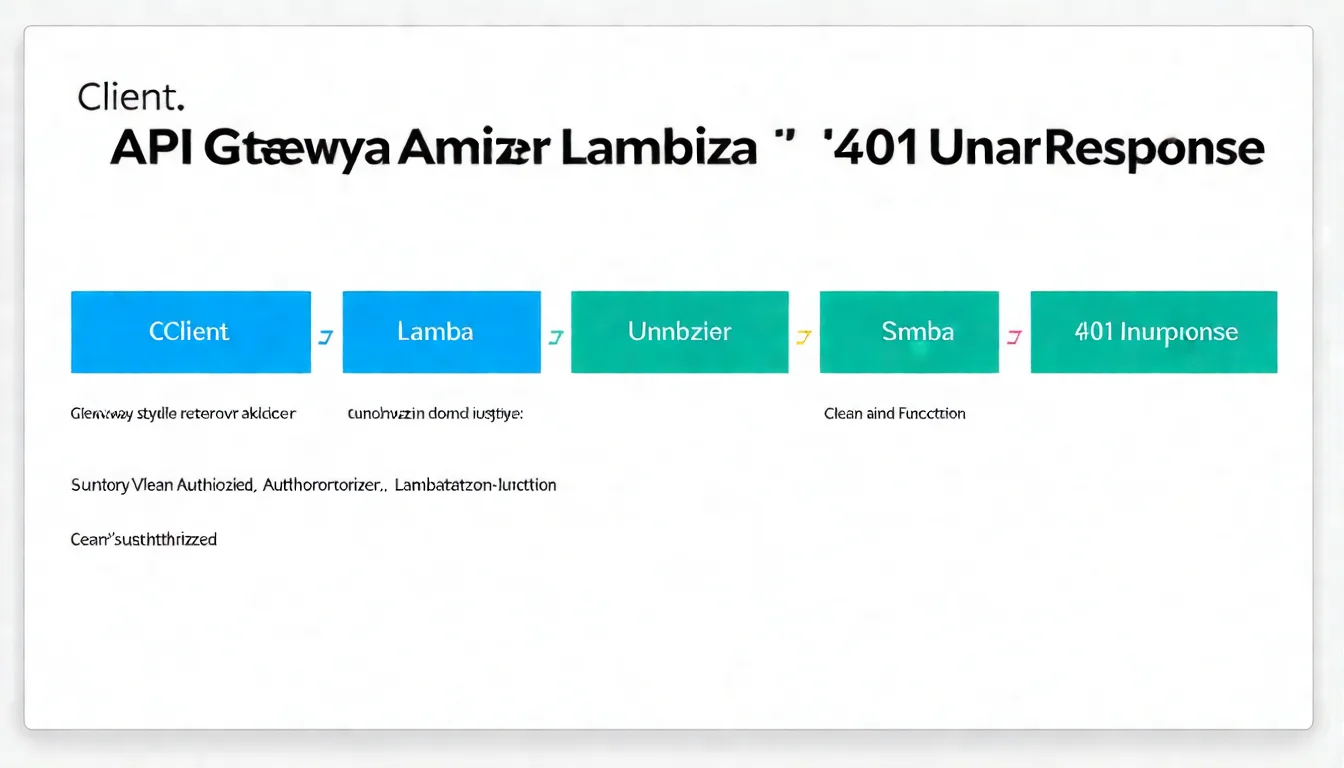
Effectcan only beAlloworDenycontextvalues can only be strings, numbers, or booleans- For authentication failures, directly
raise Exception("Unauthorized")
Lambda Function URL vs API Gateway
In 2022, AWS introduced Lambda Function URLs.
This allows Lambda to handle HTTP requests directly, without API Gateway.
Feature Comparison Table
| Feature | Function URL | API Gateway |
|---|---|---|
| Cost | Free | $1-3.5/million |
| Setup Complexity | Simple | Medium |
| Custom Domain | More complex | Built-in support |
| Rate Limiting | ❌ | ✅ |
| API Key Management | ❌ | ✅ |
| Caching | ❌ | ✅ |
| Request Validation | ❌ | ✅ |
| WAF Integration | Requires CloudFront | ✅ |
| Lambda Authorizer | ❌ | ✅ |
| IAM Authentication | ✅ | ✅ |
When to Use Function URL
Scenarios suited for Function URL:
- Internal service-to-service calls
- Simple Webhook receivers
- Development/test environments
- Cost-sensitive low-traffic services
Setting up Function URL:
- Go to Lambda function configuration
- Select "Configuration" → "Function URL"
- Click "Create function URL"
- Auth type: Choose
NONE(public) orAWS_IAM - Click "Save"
You'll get a URL like: https://xxx.lambda-url.ap-northeast-1.on.aws/
When You Must Use API Gateway
Scenarios requiring API Gateway:
- Need rate limiting to protect API
- Need API Keys or usage plans
- Need WAF protection
- Need custom domains (simpler setup)
- Need Lambda Authorizer
- Need request/response transformation
- Need caching to reduce Lambda invocations
Rule of Thumb:
- Public-facing APIs: Use API Gateway
- Internal service calls: Consider Function URL
Not sure which to choose? API architecture choices affect cost and scalability.
Book architecture consultation and let us analyze the best solution for you.
Performance Optimization
After the API is live, let's optimize performance.
Keep-Alive Connections
Lambda should reuse HTTP connections when calling external services.
Python Example:
import urllib3

# Create connection pool outside handler
http = urllib3.PoolManager()

def lambda_handler(event, context):
    # Reuse connection
    response = http.request('GET', 'https://api.example.com/data')
    return {
        'statusCode': 200,
        'body': response.data.decode('utf-8')
    }
This reduces connection establishment time for each request.
Response Compression
For larger responses, enabling compression can reduce transfer time.
API Gateway Settings:
- Go to API settings
- Minimum compression size: Set to 0 (or appropriate value like 1024)
- Deploy API
Lambda Response:
import gzip
import base64

def lambda_handler(event, context):
    # Check if client supports gzip
    accept_encoding = event.get('headers', {}).get('accept-encoding', '')

    body = '{"data": "large response content..."}'

    if 'gzip' in accept_encoding:
        compressed = gzip.compress(body.encode())
        return {
            'statusCode': 200,
            'headers': {
                'Content-Type': 'application/json',
                'Content-Encoding': 'gzip'
            },
            'body': base64.b64encode(compressed).decode(),
            'isBase64Encoded': True
        }

    return {
        'statusCode': 200,
        'body': body
    }
Cache Configuration
For rarely-changing data, enabling API Gateway caching can significantly reduce Lambda invocations.
REST API Cache Settings:
- Go to stage settings
- Enable API caching
- Select cache capacity (0.5GB ~ 237GB)
- Set TTL (time to live)
Note: Caching has additional costs (starting at $0.02/hour).
If you want to manage these settings with Infrastructure as Code, see Terraform AWS Lambda Deployment Complete Tutorial.
Common Error Handling
Even with correct setup, errors can still occur.
502 Bad Gateway
This is the most common error.
Cause 1: Response Format Error
Lambda must return the correct format:
# Error: Returning string directly
return "Hello World"

# Correct: Return specified format
return {
    "statusCode": 200,
    "headers": {"Content-Type": "application/json"},
    "body": json.dumps({"message": "Hello World"})
}
Cause 2: body is Not a String
# Error: body is dict
return {
    "statusCode": 200,
    "body": {"message": "Hello"}  # This causes 502
}

# Correct: body must be string
return {
    "statusCode": 200,
    "body": json.dumps({"message": "Hello"})
}
Cause 3: Lambda Execution Error
Check CloudWatch Logs for actual error messages.
For complete error handling guide, see AWS Lambda Error Handling Complete Guide.
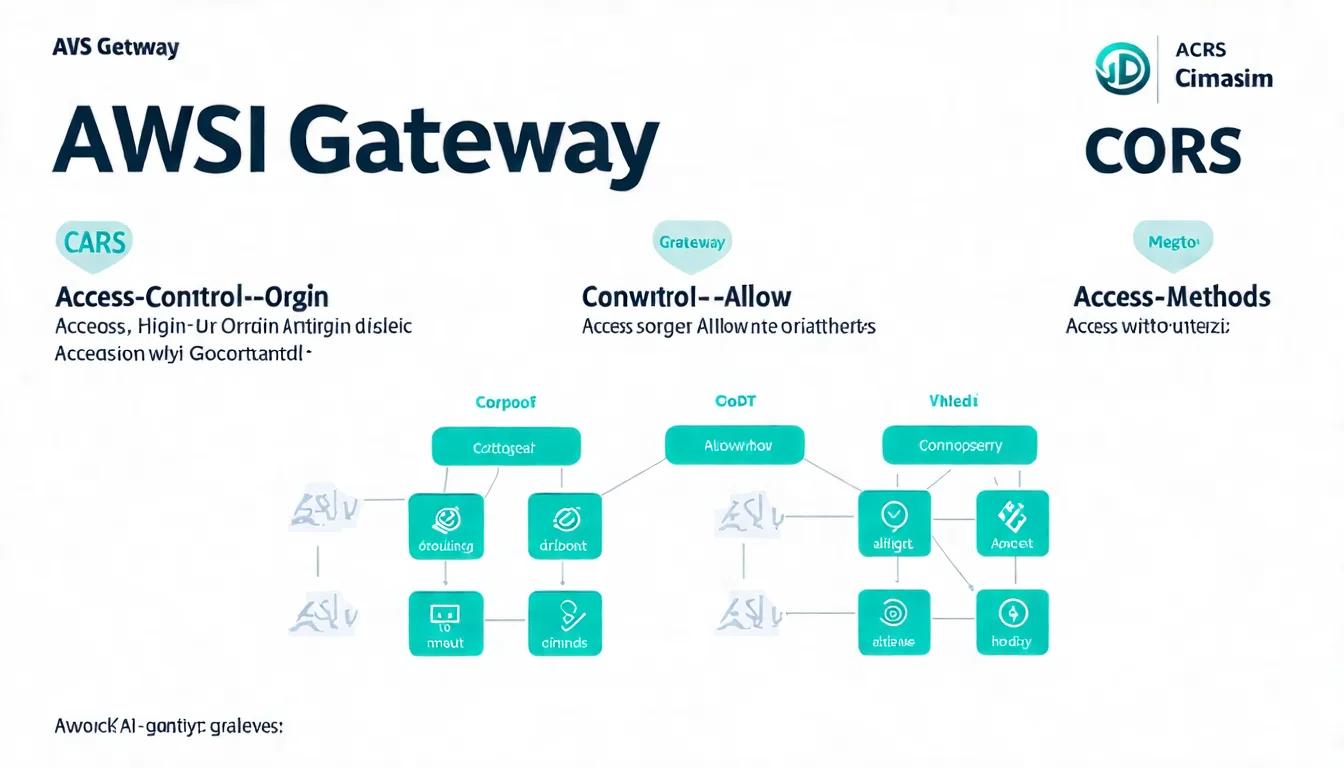
CORS Issues
Cross-origin requests will encounter CORS errors.
Solution 1: Add CORS headers in Lambda response
return {
    "statusCode": 200,
    "headers": {
        "Content-Type": "application/json",
        "Access-Control-Allow-Origin": "*",
        "Access-Control-Allow-Methods": "GET, POST, OPTIONS",
        "Access-Control-Allow-Headers": "Content-Type, Authorization"
    },
    "body": json.dumps(data)
}
Solution 2: Configure CORS in API Gateway
HTTP API:
- Go to API Settings → CORS
- Configure Access-Control-Allow-Origin
- Set allowed Methods and Headers
REST API:
- Select resource
- Click "Enable CORS"
- Configure allowed origins and headers
Key Point: OPTIONS preflight requests must also respond correctly.
FAQ
What's the latency of Lambda + API Gateway?
Under normal conditions, API Gateway adds about 10-30ms latency. Plus Lambda Cold Start (first invocation or after idle), it may add 100-500ms. Use Provisioned Concurrency or SnapStart (Java) to eliminate Cold Start.
Can REST API and HTTP API be converted?
Cannot convert directly, but can migrate. For new projects, recommend HTTP API directly (unless you need REST API-specific features), saving 70% on API Gateway costs.
How to set Lambda Authorizer cache time?
Set TTL (0-3600 seconds) when creating the Authorizer. Setting to 0 means no caching, Authorizer is called for every request. Recommend setting appropriate cache time (like 300 seconds) to reduce costs.
Can Function URL bind to custom domain?
Yes, but requires CloudFront configuration. In comparison, API Gateway's custom domain setup is more direct and simpler.
Conclusion: Building Stable Serverless APIs
The Lambda + API Gateway combination has been validated by countless enterprises.
From small startups to large enterprises, this architecture handles millions of API requests daily.
Key Success Factors:
- Choose the Right API Type: HTTP API suits most scenarios
- Handle Response Format Correctly: Avoid 502 errors
- Implement Appropriate Authentication: Protect your API
- Monitor and Optimize: Continuously improve performance and cost
Next Steps:
- Learn Error Handling Best Practices
- Understand Event-Driven Architecture for async tasks
- Use Terraform for automated deployment
Need Professional API Architecture Planning?
If you're:
- Designing new API architecture
- Evaluating Lambda + API Gateway suitability
- Optimizing existing API performance and cost
Book architecture consultation, we'll respond within 24 hours.
Good API architecture significantly reduces maintenance costs.
References
- AWS Official Documentation: API Gateway Developer Guide
- AWS Official Documentation: Lambda Proxy Integration
- AWS Official Documentation: Lambda Authorizers
- AWS Official Documentation: Lambda Function URLs
- AWS Blog: Choosing between REST APIs and HTTP APIs
Need Professional Cloud Advice?
Whether you're evaluating cloud platforms, optimizing existing architecture, or looking for cost-saving solutions, we can help
Book Free ConsultationRelated Articles
Lambda@Edge Complete Guide: CDN Edge Computing Applications and Practice
What is Lambda@Edge? Complete analysis of CDN edge computing, including trigger points, limitations, practical applications (URL rewriting, A/B testing, image optimization), helping you implement advanced features on CloudFront.
AWS LambdaTerraform AWS Lambda Deployment Complete Tutorial: IaC Best Practices
How to deploy AWS Lambda with Terraform? This complete tutorial covers IaC best practices, including Module usage, CI/CD integration, multi-environment deployment, helping you achieve repeatable infrastructure management.
AWS LambdaAWS Lambda Pricing Complete Guide: Free Tier, Billing Model & Cost-Saving Tips [2026]
How does AWS Lambda charge? This article explains Lambda billing model, Free Tier allowances, Memory Size cost relationships, and provides practical cost-saving tips to help you find the best cost efficiency.