
Azure DevOps Tutorial: Complete Guide to Building CI/CD Pipelines from Scratch
Introduction: Why Do You Need Azure DevOps?
"Every deployment takes 2 hours of manual work, and mistakes are common."
This is the pain point we hear most often from development teams.
Azure DevOps is the tool to solve this problem. It can automate your entire code submission, testing, and deployment process. What used to take 2 hours of manual work can be shortened to 10 minutes with zero human error.
According to the DORA research report, high-performing DevOps teams deploy 208 times more frequently than low-performing teams and recover from failures 2,604 times faster.
This tutorial will guide you from zero to building your first CI/CD Pipeline.
Azure DevOps is the core of Azure development tools. For more Azure services, see Azure Complete Guide.
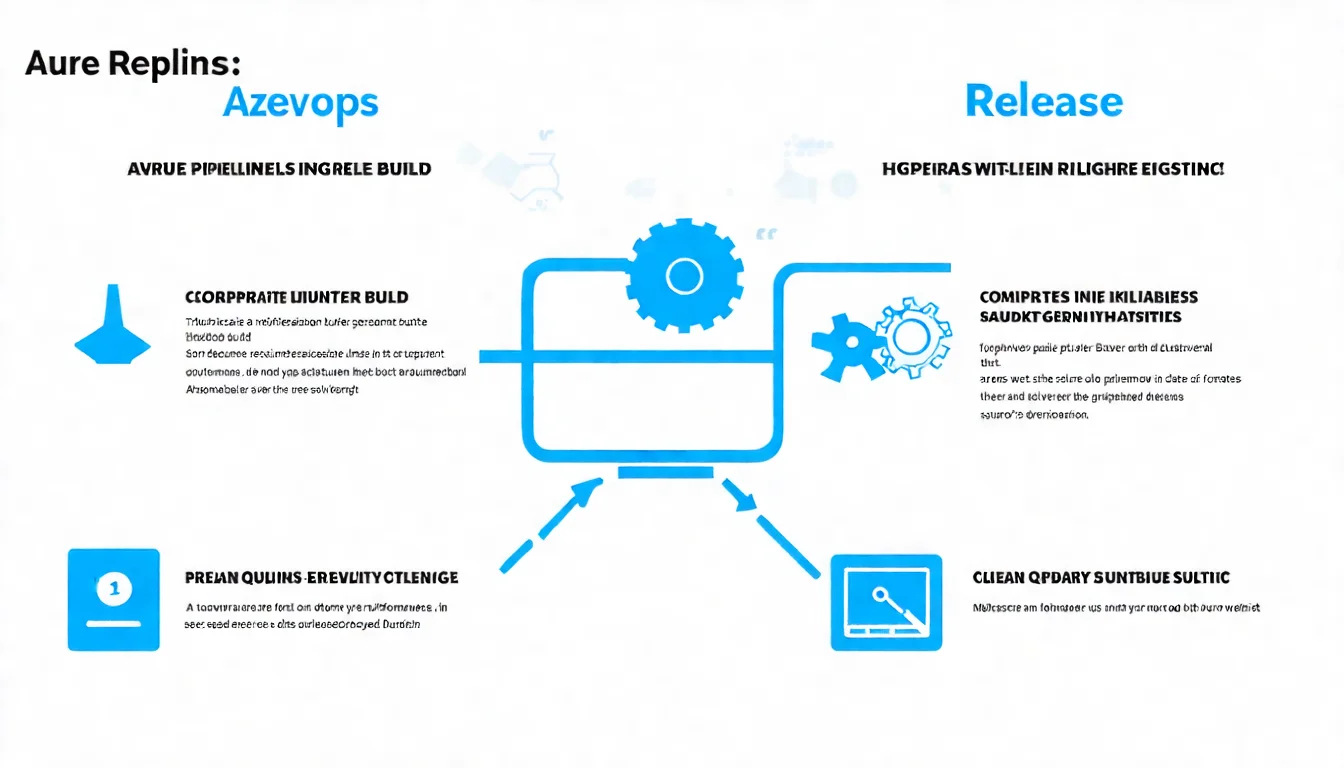
1. What is Azure DevOps?
Azure DevOps is Microsoft's all-in-one development collaboration platform.
It's not just one tool, but five tightly integrated services.
1.1 Azure DevOps Five Major Services
Azure Repos
Git version control service. Store code, manage branches, and conduct Code Reviews.
Similar to GitHub, but more tightly integrated with the Azure ecosystem.
Azure Boards
Agile project management tool. Supports Scrum, Kanban boards, and Sprint planning.
Track User Stories, Bugs, and Tasks, with links to code commits.
Azure Pipelines
This is the core of Azure DevOps. Used to build CI/CD automation workflows.
Supports almost all programming languages and platforms: .NET, Java, Node.js, Python, Go, containers, Kubernetes, etc.
Azure Test Plans
Test management service. Create test cases, execute manual tests, and track test results.
Suitable for enterprise projects requiring rigorous testing processes.
Azure Artifacts
Package management service. Store npm, NuGet, Maven, and Python packages.
Useful when you have internal shared libraries.
1.2 Azure DevOps Server vs Cloud
Azure DevOps has two versions:
| Item | Azure DevOps Services (Cloud) | Azure DevOps Server (On-premises) |
|---|---|---|
| Deployment | SaaS, Microsoft-hosted | Self-installed on internal servers |
| Maintenance | Microsoft handles | Self-maintained |
| Updates | Automatic | Manual upgrades |
| Data Location | Microsoft data centers | Your own facilities |
| Suitable For | Most teams | Enterprises with strict compliance requirements |
Over 90% of teams are suited for the cloud version. Only when regulations require data to stay internal should you consider the Server version.
1.3 Azure DevOps Free Plan
Good news: Azure DevOps is free for small teams.
Free quota includes:
- Full features for 5 users
- Unlimited private Git repositories
- Azure Pipelines: 1,800 minutes of CI/CD time per month
- Azure Artifacts: 2 GB storage
For startup teams or small projects, this free quota is usually more than enough.
2. Azure Repos vs GitHub
This is a question many teams ask: "Should we use Azure Repos or GitHub?"
2.1 Feature Comparison
| Feature | Azure Repos | GitHub |
|---|---|---|
| Git Repositories | ✓ | ✓ |
| Pull Requests | ✓ | ✓ |
| Branch Policies | ✓ (more granular) | ✓ |
| Code Review | ✓ | ✓ |
| Wiki | Via Azure Wiki | ✓ |
| Issue Tracking | Via Azure Boards | ✓ (GitHub Issues) |
| CI/CD | Azure Pipelines | GitHub Actions |
| Package Management | Azure Artifacts | GitHub Packages |
| Community Features | ✗ | ✓ (Stars, Forks) |
2.2 How to Choose?
Choose Azure Repos when:
- Already heavily using other Azure DevOps services
- Need tight integration with Azure Boards
- Internal enterprise projects without need for open source community features
Choose GitHub when:
- Open source projects
- Team is already familiar with GitHub
- Want to leverage GitHub's community ecosystem
Mixed use is also fine:
Many teams use GitHub for code management but Azure Pipelines for CI/CD. These two integrate very well.
For Azure DevOps vs AWS CodePipeline comparison, see Azure vs AWS Comparison.
3. Azure Boards Project Management Tutorial
Before writing code, let's set up project management.
3.1 Creating Your First Project
- Go to Azure DevOps
- Log in with your Microsoft account
- Create a new organization (or select existing)
- Click "New Project"
- Set project name, visibility (Private/Public)
- Choose workflow template (Agile, Scrum, CMMI)
3.2 Work Item Types
Azure Boards work items have hierarchical relationships:
Epic The largest work unit, usually representing a major feature or project goal.
Feature Sub-items under Epic, representing deliverable features.
User Story / Product Backlog Item Detailed items under Feature, representing user requirements.
Task The smallest work unit, the actual items developers need to execute.
Bug Defect tracking, can link to the code commit that caused the bug.
3.3 Using Kanban
Azure Boards' Kanban feature is powerful:
- Custom Columns: Add custom statuses like "Code Review," "QA"
- WIP Limits: Limit how many cards each column can have to avoid work piling up
- Swimlanes: Distinguish different types of work (e.g., feature development vs maintenance)
- Tags: Quick filtering and categorization
3.4 Linking Code to Work Items
This is one of Azure DevOps's most powerful features.
When committing code, add the work item ID to the commit message:
git commit -m "Fix login button styling #123"
Benefits of doing this:
- Work item automatically links to this commit
- Can trace related code changes from work items
- PR merge can automatically update work item status
4. Azure Pipelines CI/CD Setup
This is the core feature of Azure DevOps. Let's build your first Pipeline.
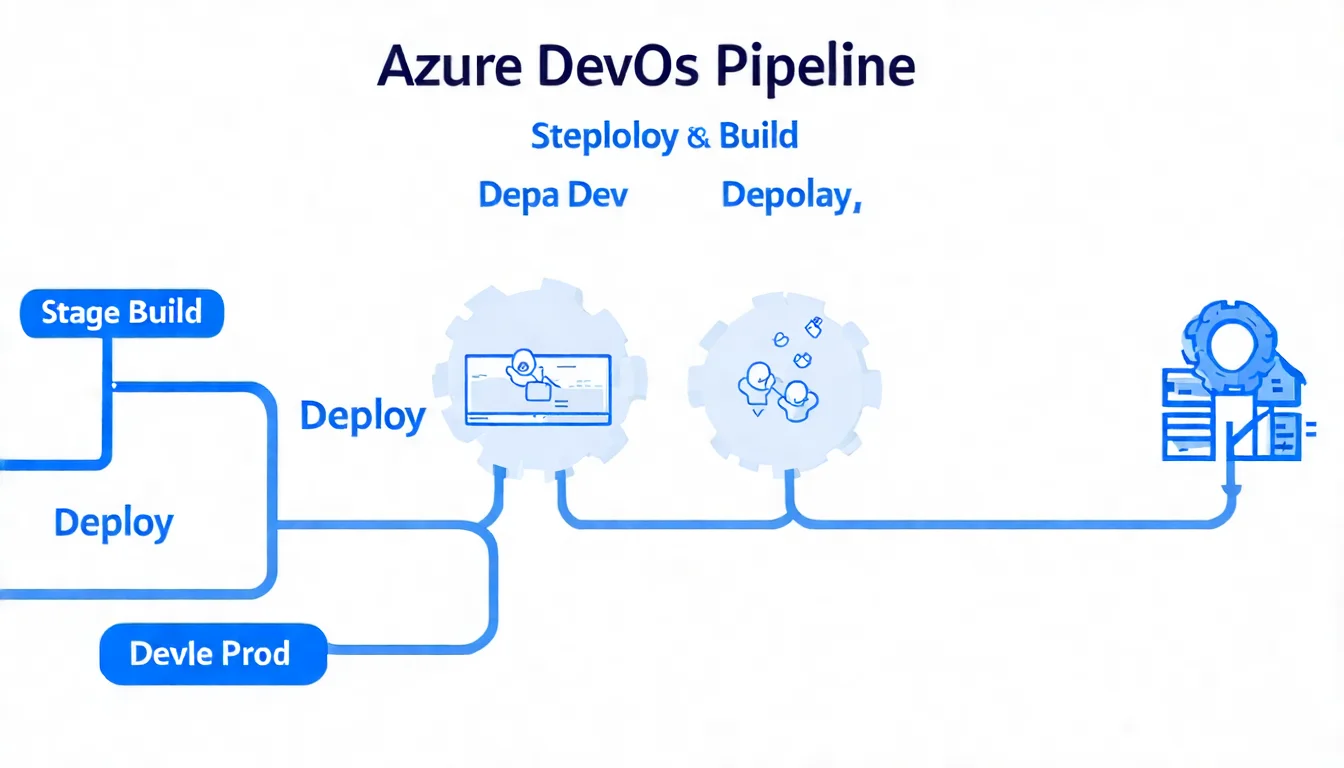
4.1 Pipeline Basic Concepts
Before starting, understand a few key concepts:
Pipeline The definition of the entire automation workflow, including CI and CD.
Stage A phase in the Pipeline, such as Build, Test, Deploy.
Job A set of tasks within a Stage, executed on the same Agent.
Step / Task The smallest execution unit, such as running a script or command.
Agent The machine that executes the Pipeline. Can use Microsoft-hosted Agents or self-hosted.
Trigger The condition that triggers the Pipeline, such as code commit or PR creation.
4.2 Building Your First CI Pipeline
Let's demonstrate with a Node.js project.
Step 1: Enter Pipelines
In your Azure DevOps project, click "Pipelines" on the left → "Create Pipeline."
Step 2: Choose Code Source
Select where your code is: Azure Repos, GitHub, Bitbucket, etc.
Step 3: Choose Template
Azure DevOps detects your project type and offers suggested templates. You can also choose "Starter pipeline" to start from scratch.
Step 4: Edit YAML
Here's a basic Node.js CI Pipeline:
trigger:
  - main

pool:
  vmImage: 'ubuntu-latest'

stages:
  - stage: Build
    displayName: 'Build and Test'
    jobs:
      - job: BuildJob
        displayName: 'Build'
        steps:
          - task: NodeTool@0
            inputs:
              versionSpec: '18.x'
            displayName: 'Install Node.js'

          - script: |
              npm ci
              npm run build
            displayName: 'Install and Build'

          - script: npm test
            displayName: 'Run Tests'

          - task: PublishBuildArtifacts@1
            inputs:
              pathToPublish: 'dist'
              artifactName: 'app'
            displayName: 'Publish Artifact'
Step 5: Save and Run
Click "Save and run," and the Pipeline will start executing.
DevOps Transformation Requires Professional Planning CI/CD Pipeline is just the beginning. Complete DevOps transformation involves integrating processes, culture, and tools. Schedule Architecture Consultation and let us help you design the optimal DevOps architecture.
5. Azure Artifacts Package Management
When teams have internal shared libraries, Azure Artifacts is very useful.
5.1 Supported Package Types
- npm (Node.js)
- NuGet (.NET)
- Maven / Gradle (Java)
- pip (Python)
- Universal Packages (arbitrary binary files)
5.2 Creating a Feed
- In your Azure DevOps project, click "Artifacts"
- Click "Create Feed"
- Set name and visibility
- Choose upstream sources (can proxy npmjs.org and other public sources)
5.3 Publishing Packages
Using npm as an example:
# Set npm registry
npm config set registry https://pkgs.dev.azure.com/your-org/_packaging/your-feed/npm/registry/

# Authenticate
npx vsts-npm-auth -config .npmrc

# Publish
npm publish
Auto-publish in Pipeline:
- task: Npm@1
  inputs:
    command: 'publish'
    publishRegistry: 'useFeed'
    publishFeed: 'your-project/your-feed'
6. Azure Test Plans Test Management
For projects requiring rigorous testing processes, Azure Test Plans provides complete test management features.
6.1 Test Case Management
- Create structured test cases
- Define test steps and expected results
- Organize into test suites
6.2 Manual Test Execution
- Use Test Runner to execute tests
- Record test results and screenshots
- Automatically create Bugs linked to failed tests
6.3 Automated Testing Integration
Integrate automated tests in Pipeline:
- task: VSTest@2
  inputs:
    testSelector: 'testAssemblies'
    testAssemblyVer2: '**\*test*.dll'
    platform: '$(buildPlatform)'
    configuration: '$(buildConfiguration)'
Test results automatically display in Pipeline results.
7. Azure DevOps Best Practices
After years of helping clients adopt DevOps, we've compiled these best practices.
7.1 Branching Strategy
We recommend using GitHub Flow or Git Flow:
GitHub Flow (Simple version)
mainbranch is always deployable- New features branch from
main - Create PR back to
mainwhen complete - Merge after Code Review passes
Git Flow (More complex)
main: Production environment codedevelop: Development integration branchfeature/*: Feature developmentrelease/*: Release preparationhotfix/*: Emergency fixes
For most teams, GitHub Flow is sufficient.
7.2 Code Review Process
Set branch policies in Azure Repos:
- Go to Repos → Branches
- Click "..." on
mainbranch → "Branch policies" - Enable these settings:
- Require a minimum number of reviewers (at least 1)
- Check for linked work items (must link work items)
- Check for comment resolution (must resolve all discussions)
- Build validation (must pass CI)
7.3 DevSecOps Integration
Security shouldn't be an afterthought. Integrate security checks into your Pipeline:
Static Application Security Testing (SAST)
- task: SonarQubePrepare@5
  inputs:
    SonarQube: 'SonarQube-Connection'
    scannerMode: 'CLI'
    configMode: 'manual'
Dependency Vulnerability Scanning
- script: npm audit --audit-level=moderate
  displayName: 'Security Audit'
Container Image Scanning
- task: ContainerScan@0
  inputs:
    imageName: 'myimage:latest'
For more DevSecOps security integration, see Azure Security Complete Guide.
For deploying AI applications with Azure DevOps, see Azure OpenAI Complete Tutorial.
8. FAQ
Q1: Should I choose Azure DevOps or GitHub?
If your team is already comfortable with GitHub, continue using GitHub + GitHub Actions. If you need more complete project management (Azure Boards) and test management (Test Plans), Azure DevOps is a better choice. You can also use both: GitHub for code + Azure Pipelines for CI/CD.
Q2: Is Azure Pipelines free quota enough?
Usually enough for small teams. 1,800 minutes per month of Microsoft-hosted agent time can run about 300-500 Pipelines (assuming 3-6 minutes each). If not enough, you can set up Self-hosted agents for free.
Q3: What's the difference between YAML Pipeline and Classic Pipeline?
YAML Pipeline is defined in code, can be version controlled, code reviewed, and reused. Classic Pipeline is configured via GUI, more intuitive but harder to version control. Microsoft now recommends YAML Pipeline; Classic will be gradually phased out.
Q4: How to migrate existing Jenkins Pipeline to Azure Pipelines?
Azure DevOps has Jenkins integration plugins that can trigger Azure Pipelines. For complete migration, you need to rewrite Jenkinsfile into azure-pipelines.yml. Different syntax but similar concepts.
Q5: What cloud deployment targets does Azure DevOps support?
Supports all major clouds: Azure, AWS, GCP, and any environment accessible via SSH or API. Built-in Tasks focus on Azure, but AWS and GCP extensions are available in the Marketplace.
Q6: How to monitor Pipeline execution status?
Azure DevOps has built-in execution history and analytics. Can set up Email or Teams notifications when Pipelines fail. Advanced monitoring can integrate Azure Monitor or third-party tools. To learn about Azure service pricing, including DevOps-related resources, see Azure Pricing Complete Guide.
9. Conclusion and Next Steps
Azure DevOps is a feature-complete DevOps platform.
From code management, project tracking, CI/CD automation, to test management—all done on the same platform.
If you're just starting with Azure DevOps, the recommended learning path is:
- Create a Free Account: Register at dev.azure.com
- Import a Project: Import an existing Git project into Azure Repos
- Set Up Your First CI Pipeline: Start with templates, gradually customize
- Add Testing Stage: Ensure automated tests for every commit
- Set Up CD Pipeline: Auto-deploy to test environment
- Add Security Scanning: Integrate DevSecOps practices
Need Help with DevOps Transformation?
If you're:
- Planning to transform from traditional development to DevOps
- Building CI/CD Pipelines but hitting bottlenecks
- Wanting to integrate DevSecOps but don't know where to start
Schedule Architecture Design Consultation and we provide complete DevOps transformation planning. From tool selection to process design, professional guidance throughout.
References
- Azure DevOps Official Documentation: https://learn.microsoft.com/azure/devops
- Azure Pipelines YAML Schema Reference: https://learn.microsoft.com/azure/devops/pipelines/yaml-schema
- DORA State of DevOps Report: https://dora.dev
- Azure DevOps Marketplace: https://marketplace.visualstudio.com/azuredevops
- Microsoft Learn DevOps Learning Path: https://learn.microsoft.com/training/paths/evolve-your-devops-practices
Need Professional Cloud Advice?
Whether you're evaluating cloud platforms, optimizing existing architecture, or looking for cost-saving solutions, we can help
Book Free ConsultationRelated Articles
Azure DevOps Tutorial: Complete Guide from Beginner to Practice [2026]
Complete Azure DevOps tutorial! From creating organizations, setting up repositories, to building CI/CD pipelines, with step-by-step instructions. Covers all five services including Azure Repos, Pipelines, and Boards, plus comparison with GitHub Actions.
DevOpsWhat is DevOps? 2026 Complete Guide: Concepts, Tools, Processes & Career Development
What is DevOps? A complete analysis of DevOps definition, core principles, and implementation methods. Covers CI/CD processes, popular tools (Azure DevOps, GitLab, Kubernetes), engineer career development, and learning roadmap to help you master DevOps and successfully implement it in your team.
DevOpsWhat is CI/CD? Continuous Integration and Continuous Deployment Beginner Tutorial [2026]
What is CI/CD? Complete analysis of Continuous Integration (CI) and Continuous Deployment (CD) concepts and implementation methods. Covers Pipeline design, tool comparisons, best practices, and practical examples to help your team build efficient automated delivery workflows.