
GCP Security & Cloud Armor Complete Guide: Building a Secure Cloud Architecture
Cloud security is never optional—it's a necessity. In 2024, the average loss from global cloud security incidents reached $4.45 million, and most incidents stemmed from configuration errors and permission management oversights. GCP provides a comprehensive security protection system, from Cloud Armor's WAF/DDoS protection to granular IAM access control, enabling enterprises to ensure data security while enjoying cloud flexibility.
This guide will take you deep into GCP's security architecture and practical configurations. To understand GCP's complete features and service ecosystem, refer to our GCP Complete Guide: From Beginner Concepts to Enterprise Implementation.
GCP Security Architecture Overview
Google Infrastructure Security Layers
Google's security design starts from the hardware layer, using customized servers, network equipment, and Titan security chips. Data centers deploy multi-layer physical security controls, including biometric access control, 24-hour surveillance, and dedicated security teams.
At the software layer, all Google services run on hardened operating systems and adopt a Zero Trust architecture. This means that even within the internal network, every request requires identity and permission verification.
GCP Security Layer Architecture:
| Layer | Security Mechanism | Responsibility |
|---|---|---|
| Hardware Layer | Titan Chips, Secure Boot | |
| Infrastructure Layer | Data Center Physical Security | |
| Network Layer | Global Private Network, Encrypted Transmission | |
| Platform Layer | IAM, Cloud Armor, Encryption | Shared |
| Application Layer | Code Security, Access Control | Customer |
Shared Responsibility Model Explained
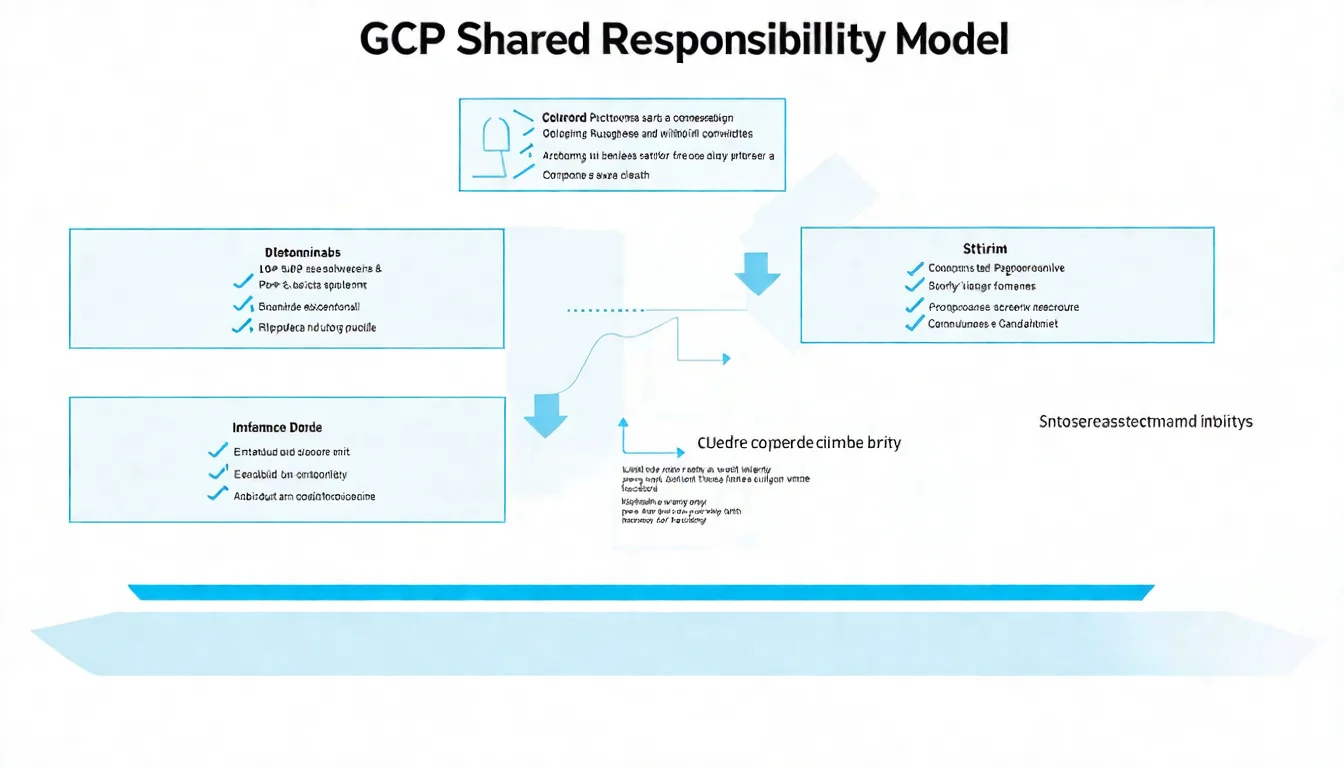
Cloud security is a shared responsibility between Google and customers. Google is responsible for underlying infrastructure security, including physical security, hardware, network, and virtualization layers. Customers are responsible for operating system updates, application security, data encryption, and access control.
In managed services like GKE, responsibility boundaries change based on the management level chosen. When using Autopilot mode, Google assumes more responsibility; when using Standard mode, customers must manage node security themselves.
Cloud Armor: WAF & DDoS Protection
Cloud Armor Features and Pricing
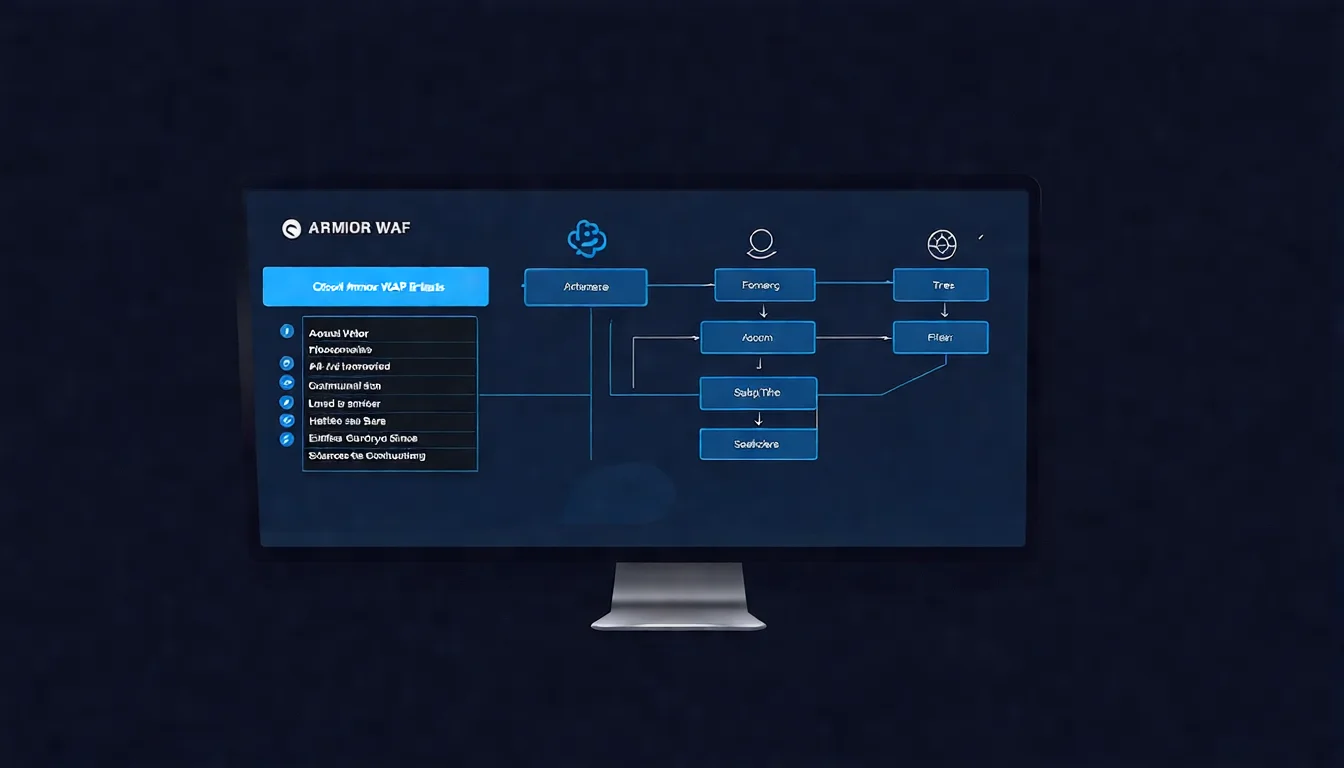
Cloud Armor is GCP's network security service, providing Web Application Firewall (WAF) and DDoS protection capabilities. It's integrated with the Global HTTP(S) Load Balancer, blocking malicious traffic at edge nodes to prevent attacks from reaching your application.
Pricing Plan Comparison:
| Plan | Use Case | Main Features | Cost |
|---|---|---|---|
| Standard | General Websites | Basic Rules, IP Blacklist/Whitelist | $5/month per policy + request fees |
| Managed Protection Plus | Enterprise Applications | Advanced DDoS, Managed WAF Rules | Starting at $3,000/month |
For small to medium websites, the Standard plan is usually sufficient. Large enterprises or financial institutions should consider Managed Protection Plus for complete protection. For detailed costs, refer to GCP Pricing and Cost Calculation Complete Guide.
Security Policy Configuration Tutorial
Steps to create a Cloud Armor security policy:
# Create security policy
gcloud compute security-policies create my-security-policy \
    --description="Main security policy"

# Add allow rule (allow Taiwan IPs)
gcloud compute security-policies rules create 1000 \
    --security-policy=my-security-policy \
    --expression="origin.region_code == 'TW'" \
    --action=allow

# Add block rule (block specific IP range)
gcloud compute security-policies rules create 2000 \
    --security-policy=my-security-policy \
    --src-ip-ranges="192.168.1.0/24" \
    --action=deny-403

# Apply to backend service
gcloud compute backend-services update my-backend-service \
    --security-policy=my-security-policy \
    --global
OWASP Top 10 Preset Rules
Cloud Armor provides preconfigured WAF rules that directly protect against OWASP Top 10 common vulnerabilities:
| Rule Set | Protection Target | Recommended Setting |
|---|---|---|
| sqli-v33-stable | SQL Injection | Enable |
| xss-v33-stable | Cross-Site Scripting | Enable |
| lfi-v33-stable | Local File Inclusion | Enable |
| rfi-v33-stable | Remote File Inclusion | Enable |
| rce-v33-stable | Remote Code Execution | Enable |
Command to enable preset rules:
gcloud compute security-policies rules create 3000 \
    --security-policy=my-security-policy \
    --expression="evaluatePreconfiguredExpr('sqli-v33-stable')" \
    --action=deny-403
Custom Rules & Rate Limiting
Beyond preset rules, Cloud Armor also supports custom rules and rate limiting:
# Set Rate Limiting (100 requests per minute)
gcloud compute security-policies rules create 4000 \
    --security-policy=my-security-policy \
    --expression="true" \
    --action=rate-based-ban \
    --rate-limit-threshold-count=100 \
    --rate-limit-threshold-interval-sec=60 \
    --ban-duration-sec=300
Rate Limiting is an effective measure against brute force attacks and API abuse. Set reasonable thresholds based on normal traffic patterns to avoid blocking legitimate users.
IAM Permission Management Best Practices
Roles and Permission Design
GCP IAM uses Role-Based Access Control (RBAC), with three role types:
- Basic Roles: Owner, Editor, Viewer—permissions are too broad, not recommended for production environments
- Predefined Roles: Granular roles maintained by Google, such as
roles/compute.instanceAdmin - Custom Roles: Roles defined according to your needs
Least Privilege Design Example:
# Custom Role: Only allow starting/stopping VMs
title: VM Operator
description: Can start and stop VM instances
includedPermissions:
  - compute.instances.start
  - compute.instances.stop
  - compute.instances.list
  - compute.instances.get
Service Account Security Management
Service Accounts are the identity authentication method for applications in GCP. Key security management points:
| Practice | Description | Risk Level |
|---|---|---|
| Avoid default service accounts | Default accounts have excessive permissions | High |
| Rotate keys regularly | Recommended every 90 days | Medium |
| Use Workload Identity | Avoid exporting key files | Low |
| Restrict key downloads | Prohibit via organization policy | Low |
# Create dedicated service account
gcloud iam service-accounts create my-app-sa \
    --display-name="My Application Service Account"

# Grant minimum necessary permissions
gcloud projects add-iam-policy-binding PROJECT_ID \
    --member="serviceAccount:my-app-sa@PROJECT_ID.iam.gserviceaccount.com" \
    --role="roles/storage.objectViewer"
Implementing Least Privilege Principle
Specific steps to implement least privilege principle:
- Audit existing permissions: Use Policy Analyzer to find over-privileged access
- Remove basic roles: Replace Owner/Editor with predefined roles
- Enable conditional access: Restrict by specific time or source IP
- Regular review: Review and clean up unnecessary permissions quarterly
# Conditional IAM binding (restrict IP range)
gcloud projects add-iam-policy-binding PROJECT_ID \
    --member="user:[email protected]" \
    --role="roles/compute.admin" \
    --condition="expression=request.auth.access_levels.accessPolicies/ACCESS_POLICY/accessLevels/LEVEL_NAME,title=Corporate Network Only"
Data Protection & Encryption
Encryption in Transit and at Rest
GCP encrypts all data by default:
- Encryption in transit: All communication between Google services uses TLS 1.3
- Encryption at rest: Stored data uses AES-256 encryption
Encryption Key Options:
| Option | Description | Use Case |
|---|---|---|
| Google-managed keys | Default option, Google manages automatically | General purpose |
| CMEK | Customer-Managed Encryption Keys | Compliance requirements |
| CSEK | Customer-Supplied Encryption Keys | High security requirements |
Secret Manager Key Management
Secret Manager is a service for centralized management of sensitive information, suitable for storing API keys, database passwords, and other secrets:
# Create secret
gcloud secrets create db-password --data-file=./password.txt

# Grant access permission
gcloud secrets add-iam-policy-binding db-password \
    --member="serviceAccount:my-app-sa@PROJECT_ID.iam.gserviceaccount.com" \
    --role="roles/secretmanager.secretAccessor"

# Read in application
gcloud secrets versions access latest --secret=db-password
Security Monitoring & Incident Response
Security Command Center
Security Command Center (SCC) is GCP's security operations center, providing:
- Asset Inventory: Automatically discover all GCP resources
- Vulnerability Scanning: Web Security Scanner detects website vulnerabilities
- Threat Detection: Event Threat Detection identifies suspicious activities
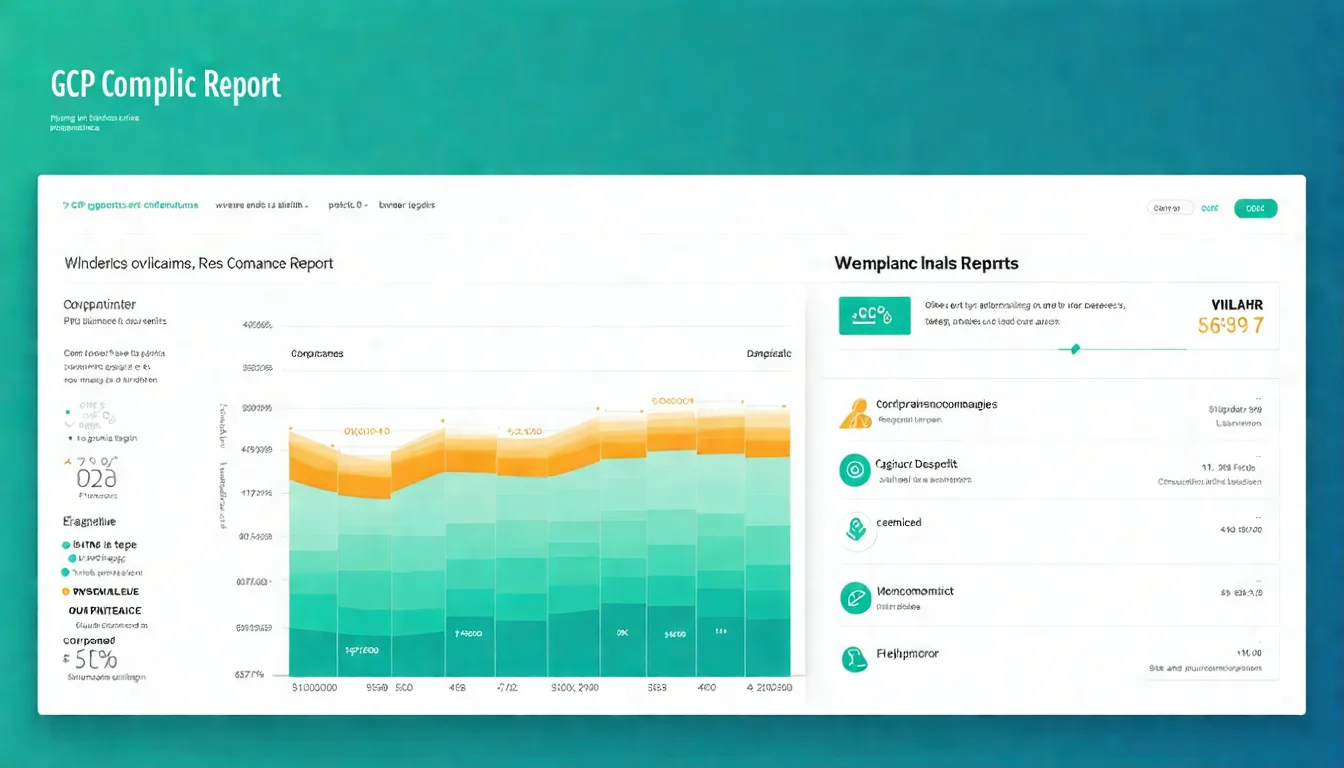
- Compliance Reports: Compliance checks for standards like CIS, PCI-DSS
SCC comes in Standard (free) and Premium (paid) editions. Standard provides basic asset inventory and security findings, while Premium includes complete threat detection and security analysis capabilities.
Cloud Audit Logs
Audit Logs record all GCP API calls, divided into four types:
| Log Type | Records | Default Enabled |
|---|---|---|
| Admin Activity | Resource configuration changes | Yes (free) |
| Data Access | Data read/write operations | No (requires enabling) |
| System Event | Google system events | Yes (free) |
| Policy Denied | Permission denial events | Yes (free) |
It's recommended to at least enable Admin Activity and Data Access logs, and configure log export to Cloud Storage for long-term retention.
Compliance Certifications & Auditing
Compliance Standards Supported by GCP
GCP has obtained multiple international certifications:
- ISO 27001: Information Security Management System
- SOC 1/2/3: Service Organization Control Reports
- PCI DSS: Payment Card Industry Data Security Standard
- HIPAA: Health Insurance Portability and Accountability Act
- FedRAMP: Federal Risk and Authorization Management Program
These certifications cover GCP infrastructure, but customers must still ensure their applications comply with relevant standards.
Obtaining Audit Reports
Download GCP's audit reports through Compliance Reports Manager:
- Go to Cloud Console → Security → Compliance Reports
- Select the certification type needed (ISO, SOC, etc.)
- Accept the confidentiality agreement and download the report
These reports can be used to demonstrate infrastructure compliance to auditors.
Conclusion: Building Continuous Security Protection Mechanisms
GCP provides a complete security toolchain, from edge protection to data encryption, from permission management to security monitoring. But tools are just the starting point—true security requires:
- Correct architecture design: Incorporate security considerations from the beginning
- Continuous monitoring and improvement: Regularly review security posture
- Complete incident response planning: Plan response processes in advance
When practicing these services, refer to GCP Core Services Hands-on Tutorial: Compute Engine, Cloud Run, GKE Complete Operations Guide to learn basic configurations. Security and cost often need balancing—for detailed cost planning, see GCP Pricing and Cost Calculation Complete Guide.
FAQ
Q1: Cloud Armor has "Standard" and "Plus" tiers — which should enterprises pick?
Most use cases pick Standard; only specific needs require Plus. (1) Cloud Armor Standard (pay-per-use) — (A) basic DDoS protection free; (B) WAF rules at $0.75/1M requests; (C) custom rules $1/rule/month; (D) total cost: mid-sized site $50–200/month. (2) Cloud Armor Enterprise (Plus) (annual subscription) — (A) annual fee $3,000+/month; (B) advanced DDoS protection (adaptive protection with ML); (C) 24/7 DDoS consulting; (D) Google Threat Intelligence; (E) Named Cloud Armor Expert technical support. When to upgrade to Plus: (A) >5 monthly DDoS attacks — Plus's adaptive protection learns and blocks automatically; (B) need SLA guarantees — Standard has no SLA; (C) compliance requires 24/7 response (finance, critical infrastructure); (D) already experienced >100Gbps attacks. Cost-saving tip: Standard + well-designed WAF rules suffice for 90% of enterprises; Plus's main value is "someone answers your call during attacks."
Q2: Cloud Armor vs. Cloudflare / AWS WAF — when does Cloud Armor win?
When your infra is on GCP and you need Layer 7 protection, Cloud Armor is optimal. (1) Cloud Armor advantages — (A) native integration with GCP Load Balancer, simplest configuration; (B) reCAPTCHA Enterprise integration (Google's own, high accuracy); (C) supports Named IP Lists (Google-maintained malicious IP list); (D) perfect integration with IAM and Audit Logs; (E) most complete protection for GCP VM / GKE / Cloud Run. (2) Cloudflare advantages — (A) vendor-neutral (host anywhere); (B) most global CDN nodes; (C) Free tier with basic DDoS; (D) most user-friendly management UI; (E) independent of cloud vendor, avoids lock-in. (3) AWS WAF advantages — (A) deepest integration if main architecture is on AWS; (B) rich Managed Rules; (C) combines with AWS Shield for complete DDoS protection. Guidance: (A) main infra on GCP → Cloud Armor; (B) multi-cloud / pure DDoS frontend → Cloudflare; (C) main infra on AWS → AWS WAF + Shield. Don't migrate for Cloud Armor; Cloudflare-in-front + your-cloud-behind is common practice.
Q3: Does GCP Security Command Center cost money? Should we enable it?
Has Standard (free) and Premium (paid) tiers. (1) SCC Standard (free) — (A) asset discovery (see all GCP resources across the org); (B) basic vulnerability findings (identifies dozens of common misconfigurations); (C) basic security health checks per project; (D) all organizations should enable it. (2) SCC Premium (paid, per-organization pricing) — (A) Event Threat Detection — real-time detection of IAM anomalies, SSH brute force, cryptocurrency mining; (B) Container Threat Detection — runtime anomaly detection in GKE containers; (C) Web Security Scanner — auto-scans App Engine / Cloud Run / GKE web app vulnerabilities; (D) Advanced Security Health Analytics — deeper compliance checks (CIS, PCI-DSS, NIST); (E) cost: ~$50,000+/year (large enterprises). Enablement guidance: (A) all GCP users — at least enable Standard (free); (B) mid-to-large enterprises (>$30K/month GCP spend) — worth upgrading to Premium; (C) high-compliance industries (finance, healthcare, government) — nearly essential. Practical guidance: SCC Standard + self-built CI/CD vulnerability scanning + IAM policies achieves 80% of Premium's value at limited budget.
Q4: What are the common difficulties in implementing IAM "least privilege"?
Three execution challenges. (1) Unclear actual permission needs — Project Editor (broad permissions) is easiest but most dangerous; specific roles (roles/compute.instanceAdmin, etc.) are correct but require understanding everyone's work. Fix: (A) use IAM Recommender — Google AI analyzes 90-day access patterns to recommend minimum privileges; (B) Policy Intelligence identifies "permissions never used"; (C) start with Editor, tighten gradually. (2) Emergency situations need high privileges — broken system needing immediate fix fails without access. Fix: (A) Just-in-Time (JIT) access — Workforce Identity + approval workflow for 5-minute emergency privilege escalation, auto-revoked; (B) Break-glass account — reserved special account, usage triggers alerts and audits; (C) Google Cloud's Privileged Access Management (PAM) — native solution (launched 2024). (3) Cross-project dependencies — Project A service accessing Project B resources. Fix: use Service Account impersonation rather than granting Project A's SA direct permissions; use IAM Conditions with time, IP restrictions. Tracking KPI: monitor "Project Editor role usage rate" — ideal <10%; organizations using IAM Recommender for auto-cleanup can drop to <5%.
Q5: When under DDoS attack, how does Cloud Armor operate? Do we need to intervene manually?
Cloud Armor handles most cases automatically, but specific scenarios need intervention. Automatic protection: (1) L3/L4 DDoS — Google's Anycast network auto-absorbs and filters, attackers never reach your LB — you may not even know an attack occurred; (2) Known attack patterns — Cloud Armor Standard's preconfigured WAF rules (OWASP Top 10, XSS, SQLi) auto-block; (3) Adaptive Protection (Cloud Armor Plus) — ML models learn normal traffic patterns and auto-generate temporary rules for anomalies. When manual intervention is needed: (A) Novel L7 attacks (attackers crafting custom attacks targeting your app logic) — Adaptive Protection may need minutes to learn; manually add rules during that window; (B) Attacks coinciding with legitimate traffic spikes (e.g., sales day) — Adaptive may create false positives; manually allow certain patterns; (C) Geographic source blocking needed — manually add Geographic restrictions; (D) Attacks lasting >1 hour — even if Cloud Armor blocks successfully, costs may spike (request fees + compute) — block the source. Emergency SOP: (1) immediately check Cloud Armor's Security Policies dashboard to confirm blocking; (2) review Logs Explorer for attack patterns; (3) if novel, add custom rule; (4) notify Google Cloud Support (Plus has 24/7 line); (5) post-mortem to update rule set.
Further Reading
- To learn GCP basics, refer to GCP Complete Guide
- To understand cost calculations, see GCP Pricing and Cost Calculation Complete Guide
- Ready for hands-on practice? See GCP Core Services Hands-on Tutorial
- Comparing GCP and AWS? See GCP vs AWS Complete Cloud Platform Comparison
Worried About Cloud Security?
The cost of security incidents far exceeds prevention costs. Book a Security Assessment and let us help you identify potential risks.
References
Need Professional Cloud Advice?
Whether you're evaluating cloud platforms, optimizing existing architecture, or looking for cost-saving solutions, we can help
Book Free ConsultationRelated Articles
Azure Security Complete Guide: WAF, Front Door, DDoS Protection Enterprise Best Practices
How to do Azure security? Complete guide to Azure security services covering Azure WAF configuration, Front Door CDN integration, DDoS Protection, Key Vault key management, Azure AD/Entra ID identity security, and ISO 27001 compliance practices to help enterprises build comprehensive cloud security.
Cloud ComputingCloud Computing Security Guide: Privacy Concerns and Compliance Strategies
What are the security risks of cloud computing? Complete analysis of security threats like data breaches and account hijacking, with ISO 27001, GDPR, and privacy law compliance strategies to help enterprises migrate to the cloud securely.
Information SecurityCloud Security Complete Guide: Threats, Protection Measures, Best Practices [2026]
What are the security threats in cloud environments? This article explains common cloud security risks, the shared responsibility model, major cloud platform security features, and enterprise cloud security best practices.